

Use this one-page school UDL checklist and run a readiness assessment this week. The fastest path to school-wide inclusion is a structured audit using the UDL Implementation Readiness Checklist from the Texas Education Agency and CAST's UDL Schoolwide Implementation Criteria (UDL-SIC). Start there, then convene a small seed group to score readiness indicators and schedule your first quarterly review.
Your one-page school UDL checklist at a glance:
- Leadership: UDL goals embedded in school improvement plan; leaders model UDL in meetings and communications
- Curriculum and materials: Multiple formats available (text, audio, visual); materials reviewed for learner variability
- Assessments: Flexible options that separate the goal from the means; formative checks built into every unit
- Professional learning: Job-embedded coaching scheduled; staff familiar with UDL-SIC domains
- Digital accessibility: Captions and transcripts on all video/audio; alt text on images; 4.5:1 contrast ratio; keyboard-navigable content (WCAG 2.2 AA baseline)
- Data systems: Baseline data collected before launch; quarterly rubric reviews scheduled
Immediate next step: Convene your seed group, score the UDL Readiness Indicators collaboratively, and put the first quarterly review on the calendar before you leave this page. Coreforgeaudio is one accessible-audio option that supports the representation items in this checklist.
Table of Contents
- Why schools need UDL at the systems level, not just in classrooms
- What does a full school-wide UDL checklist look like?
- How to assess readiness before you launch UDL
- How do you measure UDL progress over time?
- What digital accessibility checks should schools run?
- A copyable one-page classroom UDL checklist template
- What resources actually support UDL implementation?
- What does a short-term UDL pilot timeline look like?
- Key Takeaways
- The case for audio as a UDL non-starter, not an afterthought
- Coreforgeaudio supports your UDL rollout from day one
- Useful sources
Why schools need UDL at the systems level, not just in classrooms
When UDL stays at the classroom level, it becomes a collection of tips that depend entirely on individual teacher motivation. School-wide UDL, by contrast, reduces the structural barriers that create inequity in the first place, and it produces measurable gains for students with disabilities, English language learners, and gifted students alike.
CAST's UDL-SIC framework makes the systems argument clearly: leaders must model UDL in school processes, procedures, and resource allocation, not just encourage teachers to try new strategies. That means scheduling, staffing, and professional learning structures all need to reflect UDL values. Three concrete payoffs for administrators who commit at the systems level:
- Better access data: You can track which students lack access to materials, not just which students are struggling academically.
- Fewer reactive accommodations: Proactive design reduces the volume of last-minute IEP workarounds and 504 adjustments.
- Stronger equity outcomes: Accessible content benefits every learner, not only those with identified disabilities.
"When the UDL framework is applied systematically and intentionally at the school level, systemwide barriers are reduced and all learners, including those at the margins, can become expert learners." — CAST UDL-SIC Guide
Implementation science reinforces this. Schools that skip the readiness phase and jump straight to classroom rollout frequently stall within a semester, leaving teachers burned out and skeptical.
What does a full school-wide UDL checklist look like?
The UDL-SIC organizes school-wide implementation into four domains. Use the items below to audit your current practices.
School culture and environment
- Written commitment to equity and inclusion in school policy
- Physical and digital learning spaces designed for sensory and mobility variability
- Student voice collected and used in environment design decisions
- Representation of diverse cultures and identities in displayed materials
Teaching and learning
- Lesson goals separated from the means of achieving them
- Multiple means of representation in every unit (text, audio, visual, hands-on)
- Flexible assessments that measure the goal, not the format
- Digital materials meet WCAG 2.2 AA: captions, transcripts, alt text, keyboard access, 4.5:1 contrast
- Audio supplements integrated for learners with dyslexia, ADHD, or visual impairments
Leadership and management
- UDL goals written into the school improvement plan with measurable targets
- Scheduling protects time for job-embedded professional learning (according to readiness assessment guidance)
- Leaders conduct UDL-focused classroom walkthroughs regularly to support implementation
- Budget allocations reflect UDL priorities (accessible materials, coaching, tech)
Professional learning
- All staff have completed foundational UDL training
- Coaching cycles tied directly to UDL rubric indicators
- Collaborative lesson design sessions scheduled monthly
- Staff self-ratings collected and used to plan differentiated professional development as part of ongoing improvement
Pro Tip: Start with a seed group of 4–6 motivated educators rather than rolling out to the full staff at once. Pilot the checklist in two to four classrooms, collect artifacts, and let those early adopters become your internal exemplars. Schoolwide scaling lands far better when teachers can point to a colleague down the hall who made it work.

How to assess readiness before you launch UDL
Run the readiness check before you announce anything school-wide. Readiness is a diagnostic, not a pass/fail gate, and treating it that way keeps the process collaborative rather than threatening.
Steps to complete a readiness assessment:
- Gather existing school data: student outcome data, staff survey results, current accommodation logs, and any prior UDL training records.
- Convene a leadership or seed team of 4–6 people who represent different roles (administrator, general ed teacher, special educator, instructional coach).
- Complete the CAST Readiness Indicators collaboratively, scoring each item as Not in place, Partially in place, or In place.
- Identify the indicators scored Not in place and treat them as your capacity-building priorities before launch.
- Build a phased pilot plan based on readiness findings rather than a single big rollout.
The TEA's Appendix A readiness checklist follows the same logic and pairs naturally with the CAST indicators. Schools that document their baseline here have a concrete starting point for the quarterly rubric reviews that follow.
Pro Tip: Use readiness findings to build the case for resources, not to delay action indefinitely. If three indicators are "Not in place," address those three specifically while piloting in a small group. Waiting for perfect readiness is how UDL initiatives stall before they start.
How do you measure UDL progress over time?
Use the UDL Implementation Rubric regularly to map progression and review it periodically to match realistic school calendars.
| Rubric level | What it looks like | Leader action |
|---|---|---|
| Beginning | Isolated UDL attempts; no shared language | Provide foundational PD; establish seed group |
| Emerging | Some consistent practices; limited data use | Targeted coaching; begin artifact collection |
| Proficient | UDL embedded in planning and assessment cycles | Scale to additional classrooms; share exemplars |
| Leader | UDL drives school culture and continuous improvement | Pursue UDL-SIC certification; mentor other schools |
What to track each quarter:
- Leadership modeling: Did leaders conduct regular UDL walkthroughs and share findings with staff
- Job-embedded professional learning: Were coaching cycles completed? What did teachers report?
- Accessible materials: digital content includes captions, alt text, and keyboard access
- Assessment flexibility: teachers offer multiple assessment formats per unit
- Data-use routines: Is rubric data informing the next quarter's professional learning plan?
For measurement methods, combine rubric self-assessment with at least one classroom observation or artifact review per cycle. Lesson-plan audits, student access logs, and a spot-check of five to ten digital materials for WCAG compliance give you a concrete picture without overwhelming your team.
What digital accessibility checks should schools run?
Pair pedagogical UDL practices with technical accessibility checks. WCAG 2.2 AA is the baseline for all digital course content, and it aligns directly with the representation and engagement items in your UDL checklist.
Digital materials accessibility checklist:
- Captions on all prerecorded video; transcripts for audio-only content
- 4.5:1 contrast ratio for body text; 3:1 for large text and UI elements
- Descriptive alt text on all informative images; decorative images marked to be skipped by screen readers
- Full keyboard navigation with visible focus indicators and logical tab order
- Accessible quiz and assessment alternatives with clear error identification
- No time limits on activities unless timing is the skill being assessed
- Downloadable resources in accessible formats (tagged PDF or HTML)
One critical note: automated WCAG audits catch many issues, but manual testing with a screen reader and keyboard-only navigation is required to confirm real-world usability. Run both. Technical compliance and pedagogical UDL are complementary, not interchangeable. A page that passes a contrast checker can still present a barrier if the content structure assumes a single learning pathway.
A copyable one-page classroom UDL checklist template
Teachers can paste this directly into a lesson plan document.
Before the lesson:
- Write the learning goal separately from the format students will use to show it.
- Note two to three sources of learner variability in this class (language, reading level, sensory needs).
- Plan at least two representation formats: one text-based, one audio or visual.
- Identify one engagement hook tied to student choice or real-world relevance.
- Prepare at least two assessment options that measure the same goal differently.
During planning, check:
- Are captions or transcripts available for any video or audio used?
- Do images have alt text if shared digitally?
- Is there a low-tech backup if technology fails?
After the lesson:
- Collect one artifact per month (student work sample, teacher reflection, or access log) for the quarterly rubric review.
- Invite a peer to review the lesson plan against the checklist once per cycle.
For differentiated instruction across diverse learners, audio versions of reading materials are among the fastest wins a teacher can add without redesigning the whole lesson.
What resources actually support UDL implementation?
Prioritize CAST and TEA tools first, then layer in technical and audio resources.
- CAST UDL-SIC Guide and Self-Assessment: The foundational framework for school-wide implementation, with self-assessment tools, goal-setting prompts, and certification pathways.
- TEA UDL Implementation Guide: Contains Appendix A (readiness checklist) and Appendix B (implementation rubric) as downloadable tools for Texas schools and adaptable for any U.S. district.
- CAST Readiness Indicators: A scored tool (Not in place / Partially in place / In place) for pre-launch capacity assessment.
- LearnBuilder WCAG Course Audit: A course-level checklist tied to WCAG 2.2 success criteria, covering captions, quiz accessibility, and keyboard navigation.
- Coreforgeaudio: A nonprofit-focused platform offering human-narrated audiobooks with dyslexia-friendly fonts, adjustable narration speeds, and multilingual support. Directly addresses the "multiple means of representation" items in the checklist for students with dyslexia, ADHD, visual impairments, or language barriers.
- LSAT Accommodations documentation guide: For schools building out accommodations intake workflows, this resource models best practices in documenting disability-related needs during readiness planning.
What does a short-term UDL pilot timeline look like?
A simple quarterly cycle fits most school calendars and matches the TEA/CAST recommended monitoring cadence.
- Month 0 (pre-launch): Complete readiness checklist; select seed group; collect baseline data (student outcome data, accommodation logs, existing digital accessibility audit); set one measurable UDL goal per domain.
- Month 1: Implement classroom UDL template in 2–4 pilot classrooms; provide at least two job-embedded coaching sessions; run a spot-check of digital materials against the WCAG checklist.
- Month 2: Collect lesson-plan artifacts and one student access log per classroom; conduct one peer observation per pilot teacher; address any "Not in place" readiness items identified in Month 0.
- Month 3 (review): Score the UDL Implementation Rubric as a team; identify level shifts; adjust coaching and resource priorities; plan scale-up to additional classrooms; schedule the next quarter's focus area and review date.
Repeat the cycle. Each quarter builds on the last, and the rubric data gives you a defensible record of progress for leadership reports, board presentations, and eventual UDL-SIC certification.
Key Takeaways
A school-wide universal design for learning checklist works only when it is grounded in a readiness assessment, monitored quarterly with the UDL Implementation Rubric, and supported by accessible materials across every format.
| Point | Details |
|---|---|
| Start with readiness | Complete the CAST/TEA Readiness Indicators before any school-wide rollout to prevent burnout and stalled progress. |
| Use the four UDL-SIC domains | Audit leadership, culture, teaching and learning, and professional learning as a system, not as isolated classroom tips. |
| Monitor every three months | Score the UDL Implementation Rubric quarterly and adjust coaching and resources based on level shifts. |
| Pair WCAG checks with UDL rubrics | Technical accessibility audits (WCAG 2.2 AA) and pedagogical UDL rubrics address different barriers and both are required. |
| Add audio for representation | Coreforgeaudio provides human-narrated, dyslexia-friendly audiobooks that directly satisfy the multiple means of representation items in the checklist. |
The case for audio as a UDL non-starter, not an afterthought
Most UDL implementation guides treat audio materials as a nice supplement, something to add once the "real" work of policy and lesson design is done. That framing undersells what audio actually does in a classroom. For a student with dyslexia, a text-only curriculum is not a minor inconvenience. It is a structural barrier that no amount of flexible assessment design can fully compensate for if the student cannot access the content in the first place.
The representation pillar of UDL is where audio earns its place at the front of the checklist, not the back. Human-narrated audio, specifically, matters because it preserves prosody, tone, and pacing in ways that synthetic voices still do not reliably replicate, particularly for younger learners and those with language processing differences. Coreforgeaudio's commitment to human narrators and fair compensation for voice actors reflects exactly the kind of ethical, quality-first thinking that schools should look for when selecting accessible materials vendors.
The checklist in this article is designed to be used immediately. The readiness tools are free. The quarterly cadence is manageable. What most schools are missing is not more guidance; it is the decision to start this week.
Coreforgeaudio supports your UDL rollout from day one
Schools implementing UDL need accessible materials that work for every learner, not just those with formal accommodations. Coreforgeaudio is a nonprofit-focused audiobook platform built specifically for learners with reading barriers: dyslexia, ADHD, visual impairments, and language differences. Every title is human-narrated, with dyslexia-friendly fonts, adjustable narration speeds, and multilingual support built in.
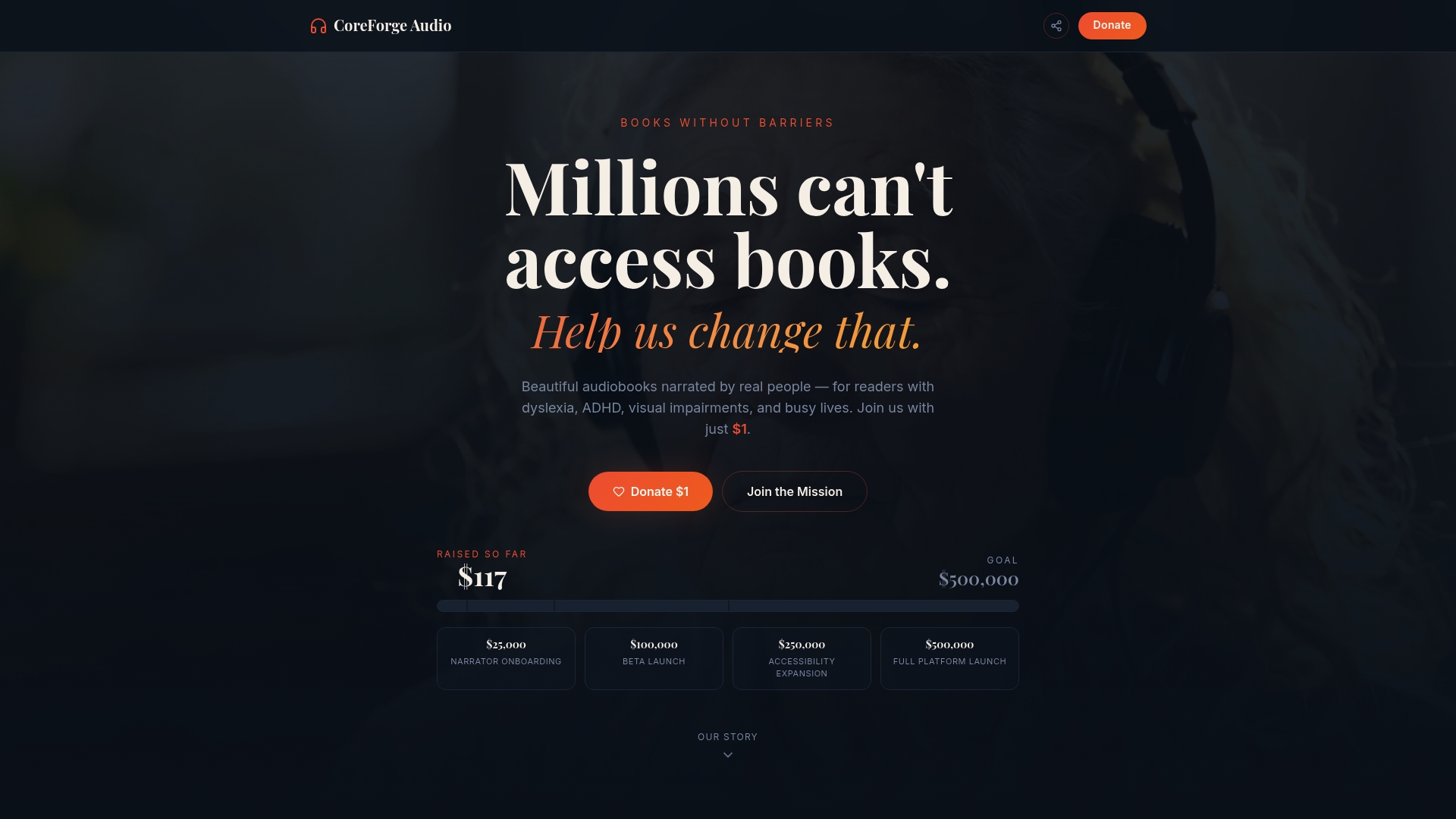
For educators, the practical use case is direct: upload classroom texts or manuals for audio conversion, offer students a human-narrated alternative to text-only materials, and satisfy the "multiple means of representation" requirement in your UDL checklist without building anything from scratch. That is a meaningful time saving during a pilot phase when your team is already managing readiness assessments, coaching cycles, and rubric reviews.
Visit Coreforgeaudio to learn about educator access, early-supporter tiers, and how the platform fits into a school-wide UDL rollout.
Useful sources
- TEA UDL Implementation Guide (Appendix A: Readiness Checklist, Appendix B: Implementation Rubric) — downloadable PDF with both tools
- CAST UDL Schoolwide Implementation Criteria (UDL-SIC) Guide — full criteria, self-assessment, and certification pathway
- CAST UDL-SIC Self-Assessment — standalone self-assessment document with domain indicators
- CAST UDL Readiness Indicators — scored readiness tool (Not in place / Partially in place / In place)
- CAST Schoolwide Implementation Criteria overview — landing page with links to all UDL-SIC resources
- LearnBuilder WCAG Course Audit — WCAG 2.2 AA checklist for digital course content
- Texas SPED Support: UDL Fidelity Checklist and Reflection Tool — team self-check with quarterly follow-up guidance
- Coreforgeaudio — accessible human-narrated audiobook platform for classrooms and individual learners
- LSAT Accommodations intake workflow — example of structured accommodations documentation for readiness planning