

Inclusive classroom reading tools are technologies and strategies designed to make reading accessible and effective for every student, including those with diverse learning needs. 32% of the 7.5 million students receiving special education services under IDEA have specific learning disabilities, and that figure represents only the students formally identified. Universal Design for Learning (UDL) extends the benefit further, framing inclusive reading tools as supports for all learners, not just those with IEPs. The most effective approach combines text-to-speech, adjustable text formats, and multimodal features because no single tool meets every need.
What are the main inclusive classroom reading tool types?
Inclusive classroom reading tools fall into five core categories. Each category targets a different barrier to reading access, and the strongest classrooms use tools from multiple categories together.
- Text-to-speech (TTS) tools convert digital text into natural-sounding audio, supporting students who struggle with decoding.
- Adjustable text formatting tools let readers change font size, letter spacing, line height, and color overlays to reduce visual strain.
- Multimodal media tools combine images, animations, sign language video, and audio pronunciation guides alongside printed text.
- Interactive reading and assessment tools embed comprehension checks, vocabulary support, and engagement prompts directly into reading materials.
- Assistive writing tools support reading comprehension through speech-to-text input, word prediction, and graphic organizers.
These categories align with UDL principles that encourage multiple means of representation, expression, and engagement. The goal is not to replace reading instruction but to remove the access barriers that prevent students from demonstrating what they actually know.
1. Text-to-speech tools
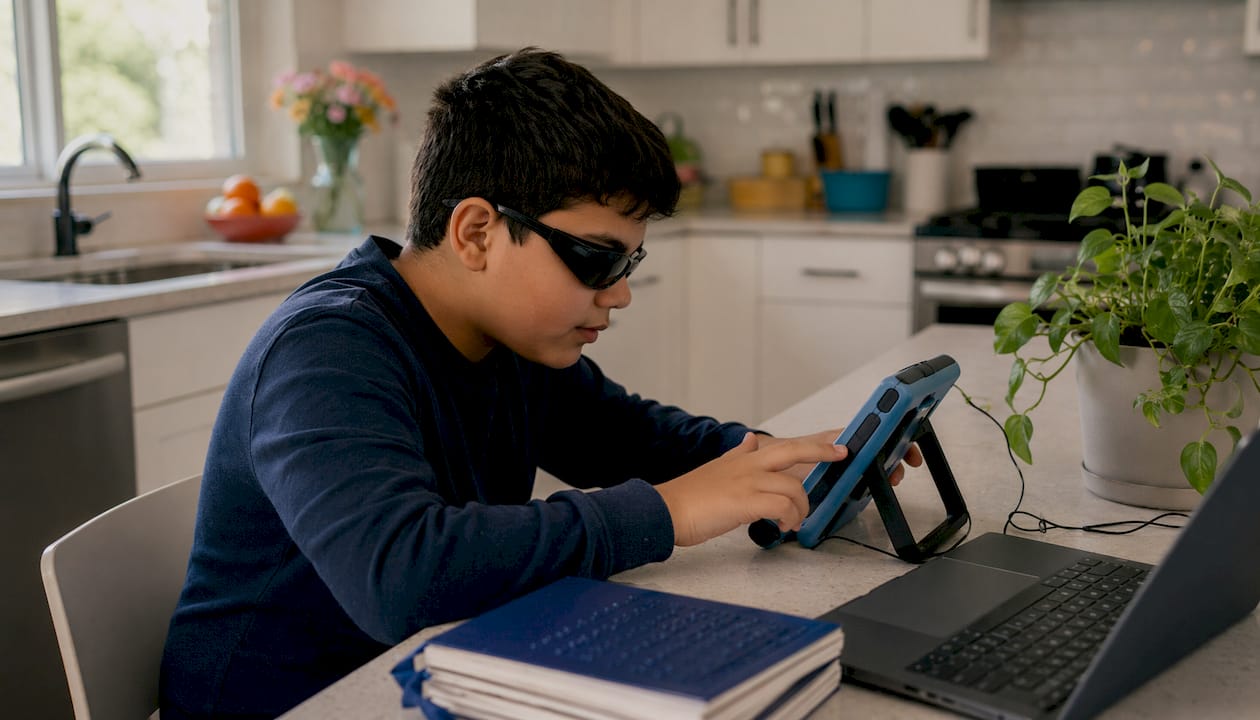
Text-to-speech is the most widely used assistive reading tool in inclusive classrooms. It converts written text into spoken audio, which directly supports students who struggle with decoding, fluency, or visual processing.
Modern TTS tools offer adjustable voice speed, multiple language options, and real-time word highlighting. That highlighting feature is significant because it synchronizes the visual and auditory input, which reduces cognitive load for struggling readers and frees mental resources for comprehension. Students with dyslexia, ADHD, and visual impairments all benefit from this combination.
TTS is also a legally recognized accommodation under IDEA and Section 504. It changes how a student accesses content without lowering academic standards, which means it belongs in IEPs and 504 plans as a standard support, not a last resort.
Pro Tip: Set TTS playback speed slightly above a student's comfortable pace during fluency practice. Research shows this trains the brain to process text faster over time, building reading stamina.
2. Speech-to-text tools
Speech-to-text (STT) tools let students dictate responses rather than type or write them. This removes the writing barrier that often blocks students from demonstrating reading comprehension.
For students with dyslexia or fine motor challenges, STT tools like built-in dictation features in Google Docs or Microsoft Word provide a direct path from thought to text. The connection to reading is real: when students can express what they understood without fighting the mechanics of writing, comprehension assessments become more accurate. Educators get a clearer picture of what students actually learned from a text.
STT also supports multilingual learners who may understand content well but struggle to produce written English at grade level. Pairing STT with TTS creates a full read-and-respond loop that supports equity in reading access for a wide range of learners.
3. Adjustable text formatting tools
Adjustable text formatting tools change how text appears on screen. These tools address the visual dimension of reading difficulty, which is often overlooked in favor of audio-based supports.
Spacing adjustments in digital text, specifically letter spacing, word spacing, and line height, improve readability more consistently than switching to a specialized dyslexia font. That finding matters because many educators default to font changes alone. Spacing is the more reliable lever.
Color overlays and reading rulers guide eye movement across a line of text, which reduces the visual crowding effect that many students with dyslexia experience. These features are available in browser extensions and dedicated reading apps, and they work offline in many cases, which protects student privacy and removes the dependency on a stable internet connection.
Pro Tip: Let students experiment with color overlay settings themselves. Personal preference varies widely, and student-selected settings produce better sustained engagement than teacher-assigned defaults.
Bionic reading, which bolds the first few letters of each word to guide the eye, gets significant attention online. Research finds it is not universally effective and works better as one option among many rather than a default setting. Offer it as a choice, not a prescription.
4. Audiobooks and human-narrated audio
Audiobooks are one of the oldest and most effective reading aids for diverse learners. A skilled human narrator conveys tone, pacing, and emotion in ways that synthetic TTS voices still cannot fully replicate.
Multimodal literacy research consistently advocates against treating silent print reading as the only valid form of literacy engagement. Audiobooks, drama, and read-aloud activities all build comprehension through different cognitive pathways. Students who listen to a well-narrated audiobook while following along in the text activate both auditory and visual processing simultaneously.
Coreforgeaudio is built around this principle. The platform focuses on human-narrated audiobooks with dyslexia-friendly fonts, adjustable narration speeds, and multilingual support, specifically to serve students and readers who face barriers that print alone cannot address. For educators looking at accessible reading formats, human narration remains the gold standard for engagement and comprehension support.
5. Multimodal media tools
Multimodal tools combine text with images, animations, video, and audio to build comprehension through more than one sensory channel. This approach directly supports the UDL principle of multiple means of representation.
A 2026 study identifies cartoons, sign language animations, audio pronunciation guides, and interactive quizzes as key features of effective inclusive reading media. Each element addresses a different learner profile. Sign language animations support Deaf and hard-of-hearing students. Pronunciation guides support multilingual learners. Interactive quizzes keep attention-challenged students engaged with the content.
The practical implication is clear. A reading tool that only delivers text, even with TTS, is less effective than one that layers in visual and interactive elements. Educators should evaluate tools on the breadth of their multimodal features, not just their audio quality.
6. Interactive comprehension and assessment tools
Interactive reading tools embed questions, vocabulary support, and response prompts directly into the reading experience. They turn passive reading into an active process.
These tools benefit students with ADHD and attention challenges most directly. Breaking a long text into shorter segments with comprehension checks in between reduces the cognitive demand of holding information across many pages. Advanced reading extensions that chunk text into 150-word segments with configurable reading levels apply exactly this principle. Smaller chunks with built-in pauses produce better retention than uninterrupted long-form reading for most struggling readers.
Interactive tools also give educators real-time data on where comprehension breaks down. That data drives differentiated reading instruction more precisely than end-of-unit tests alone.
7. Color overlay and visual tracking tools
Color overlays and visual tracking tools address a specific but common barrier: visual stress. Visual stress causes letters to appear to move or blur on a white page, and it affects a meaningful portion of students with dyslexia and other reading difficulties.
Digital color overlays let students apply a tinted filter over text, which reduces the contrast between black text and a white background. Reading rulers, which highlight one line at a time, prevent students from losing their place in dense text. Both tools are low-cost, easy to implement, and support equity in reading access without requiring any formal diagnosis.
These tools work best when students control their own settings. A student who chooses a yellow overlay because it helps them focus is more likely to use it consistently than one who was assigned a setting by a teacher.
8. Offline and privacy-preserving reading tools
Offline-capable reading tools matter more than most educators realize. Cloud-dependent tools require a reliable internet connection, which many students lack at home. Offline tools remove that barrier entirely.
Privacy is the second issue. Tools that process student reading data on a remote server create compliance concerns under FERPA and COPPA. Tools that operate offline with features like line-guiding gradients, bionic reading options, and configurable reading levels protect student data by design. Educators should ask vendors directly whether their tools store or transmit student reading behavior data before deploying them in classrooms.
For caregivers supporting students at home, offline tools also mean consistent access regardless of Wi-Fi quality. That consistency is a form of equity that technology-dependent tools cannot guarantee.
9. Differentiated reading level tools
Differentiated reading level tools adjust the complexity of a text to match a student's current reading ability without changing the core content or topic. This is the practical definition of differentiated reading instruction.
These tools matter because grade-level texts often sit above the reading level of students with learning disabilities, which means those students spend cognitive energy on decoding rather than comprehension. A tool that offers the same science article at three different reading levels lets every student engage with the same topic while accessing it at an appropriate challenge level. That approach aligns directly with UDL's goal of equitable reading access for all learners.
Educators should look for tools that maintain content accuracy across reading levels and do not oversimplify vocabulary to the point of distorting meaning.
10. How to select and implement inclusive reading tools effectively
Choosing the right tools starts with a clear picture of your students' specific barriers. A student who struggles with decoding needs TTS. A student with visual stress needs color overlays. A multilingual learner needs pronunciation support and native language audio. No single tool solves every barrier.
- Assess learner profiles first. Map each student's primary reading barrier before selecting tools.
- Prioritize multimodal access. Choose tools that offer audio, visual, and interactive features together.
- Normalize tool use for the whole class. When all students use the same tools, no one is singled out.
- Verify offline capability and privacy practices. Ask vendors whether student data is stored or transmitted.
- Train educators before deployment. Tools that teachers do not understand will not be used consistently.
- Review effectiveness regularly. Collect student feedback and adjust tool settings based on real use.
The digital equity tools that work best in classrooms are the ones embedded into daily instruction, not reserved for pull-out sessions. When inclusive tools are part of the regular routine, students stop seeing them as remedial and start seeing them as normal.
Key Takeaways
The most effective inclusive reading tools combine text-to-speech, adjustable text formatting, multimodal media, and offline capability to address the full range of reading barriers diverse learners face.
| Point | Details |
|---|---|
| TTS is a legal accommodation | Text-to-speech is recognized under IDEA and Section 504, not a shortcut to learning. |
| Spacing beats font changes | Letter, word, and line spacing adjustments improve readability more reliably than dyslexia-specific fonts. |
| Multimodal tools outperform text alone | Combining audio, visuals, and interactive questions builds comprehension across more learner profiles. |
| Offline tools protect equity and privacy | Tools that work without internet remove access barriers and reduce FERPA compliance risks. |
| UDL benefits every student | Framing inclusive tools as whole-class supports normalizes their use and improves outcomes for all learners. |
Why I think most classrooms are still using these tools wrong
The standard approach treats inclusive reading tools as accommodations for specific students, pulled out when a student has an IEP or a 504 plan. That framing is the problem. When a tool is only for "the struggling readers," students resist using it because it marks them as different. The tool sits unused, and the barrier remains.
The classrooms I have seen get this right do something counterintuitive. They deploy TTS, color overlays, and adjustable text for every student, every day. The student with dyslexia uses the yellow overlay. So does the student who just stayed up too late. Nobody notices who needs it and who is just trying it out. That normalization is what UDL actually means in practice, not a checklist of accommodations.
The other mistake I see constantly is treating audiobooks as a lesser form of reading. Educators sometimes feel that listening does not count as "real" reading. The research does not support that view. Multimodal literacy, which includes listening, talking about texts, and engaging with visual media alongside print, builds comprehension through multiple cognitive pathways. A student who listens to a human-narrated audiobook while following the text is doing serious literacy work.
The tools are not the hard part. The hard part is changing the culture around who these tools are for. They are for everyone.
— Sarmed
Accessible audiobooks built for every reader
Reading barriers do not disappear when a student leaves the classroom. Coreforgeaudio is a nonprofit-focused platform built to extend accessible reading beyond school hours, with human-narrated audiobooks, dyslexia-friendly fonts, adjustable narration speeds, and multilingual support.
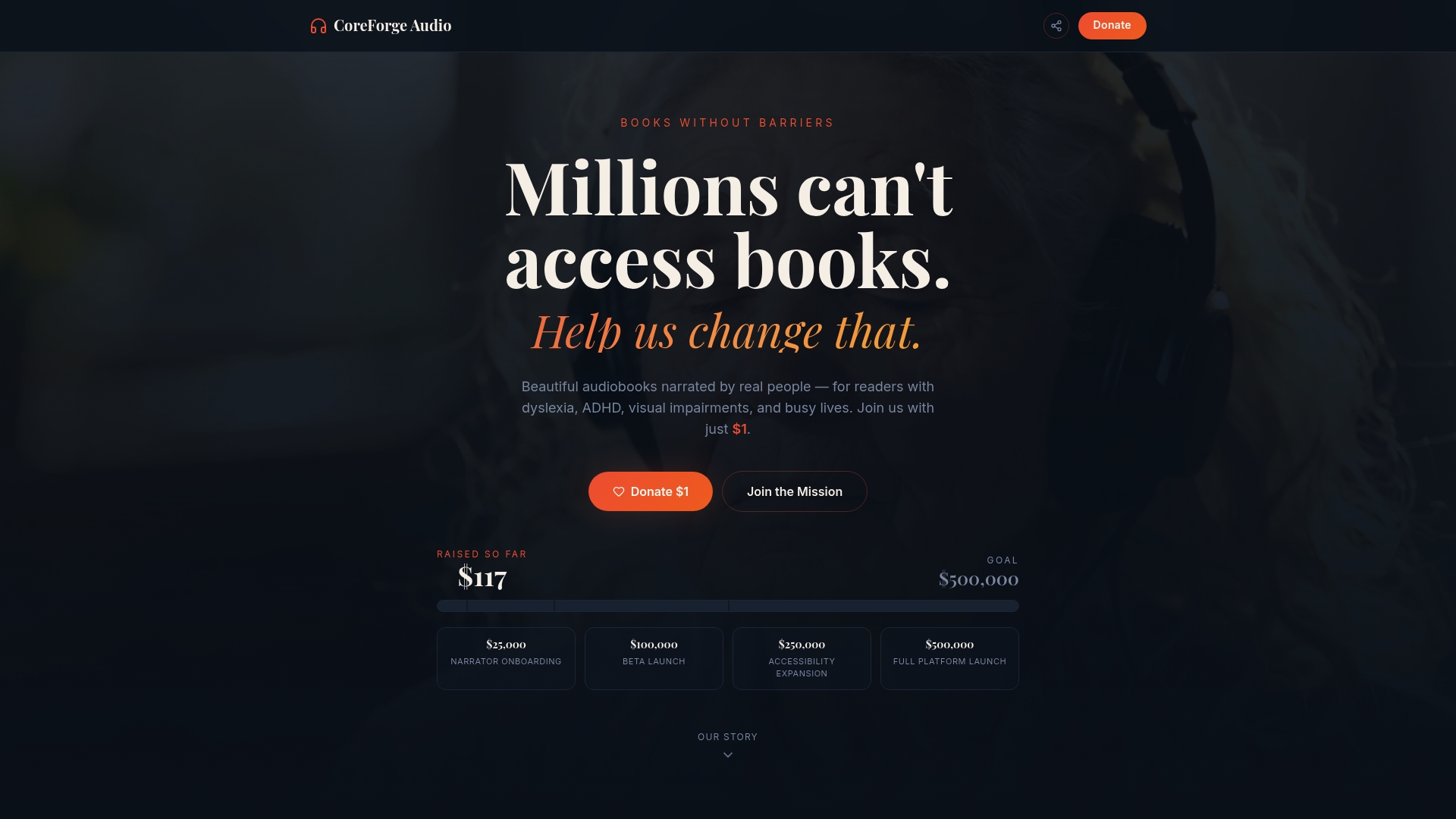
The platform is designed for readers who face the exact barriers this article covers: dyslexia, ADHD, visual impairments, and language differences. Every title is narrated by a human voice actor, because human narration produces stronger comprehension and engagement than synthetic audio. Coreforgeaudio also prioritizes why accessible reading matters for learners of every background. Visit Coreforgeaudio to learn more about the platform and support its mission.
FAQ
What is the most common inclusive reading tool in classrooms?
Text-to-speech is the most widely used assistive reading tool in inclusive classrooms. It supports students with dyslexia, ADHD, and visual impairments by converting text into audio with real-time word highlighting.
Is text-to-speech considered cheating or a shortcut?
Text-to-speech is a legally recognized accommodation under IDEA and Section 504. It changes how students access content without lowering academic standards, and it belongs in IEPs and 504 plans as a standard support.
What text formatting changes help students with dyslexia most?
Spacing adjustments, specifically increased letter spacing, word spacing, and line height, improve readability more consistently than switching to a specialized dyslexia font. Color overlays also reduce visual stress for many students.
How do multimodal tools support reading comprehension?
Multimodal tools combine audio, images, animations, and interactive questions to build comprehension through multiple sensory channels. Research identifies sign language animations, pronunciation guides, and embedded quizzes as key features of effective inclusive reading media.
Why do offline reading tools matter for equity?
Offline tools remove the dependency on a reliable internet connection, which many students lack at home. They also protect student privacy by avoiding the transmission of reading behavior data to remote servers.