

Accessible reading formats are specialized versions of reading materials designed to make text available to people with disabilities, learning differences, or demanding lifestyles. The most recognized types include audio, braille, large print, Easy Read, and digital formats such as HTML and EPUB. Each format addresses a different sensory or cognitive need, and assistive technology like screen readers extends their reach further. Knowing which format fits your situation is the first step toward a reading experience that actually works for you.
1. Examples of accessible reading formats: an overview
The clearest examples of accessible reading formats fall into five core categories: audio, braille, large print, Easy Read, and digital formats. Accessible communication standards from the UK Government recognize all five as distinct, established types. Each one serves a different reader profile, and many readers benefit from using more than one.
- Audio formats include DAISY (Digital Accessible Information System), MP3 audiobooks, and talking books. DAISY is the gold standard for structured audio because it allows navigation by chapter, page, or heading, unlike a plain MP3 file.
- Braille and tactile formats convert printed text into raised dot patterns. Electronic braille displays connect to digital devices and refresh dynamically, making them far more flexible than printed braille books.
- Large print follows a clear size standard. Standard large print uses 16–18 point font, while giant print exceeds 18 point. Both use high contrast and generous line spacing.
- Easy Read uses plain language and supporting images to convey information. It strips out jargon and focuses on the single most important message per page.
- Digital formats include accessible PDF, HTML, and EPUB. HTML is the most natively accessible of the three because screen readers interpret its semantic structure directly.
Pro Tip: If you are unsure where to start, request a large print or audio version of any document first. Both formats require no extra hardware and give you an immediate sense of what works for your eyes and attention.
2. How digital accessibility improves readable formats

Digital formats do more than replicate print on a screen. They allow readers to control the experience in ways that static paper never could.
HTML and EPUB both outperform PDF for accessibility. Screen readers interpret semantic tags in HTML and EPUB to give readers reliable navigation through headings, lists, and links. A PDF, by contrast, requires manual tagging to achieve the same result, and many PDFs in circulation lack that tagging entirely.
EPUB goes a step further by offering reflowable text. EPUB's reflowable layout lets readers resize text, switch fonts, and adjust color contrast to match their visual or cognitive needs. That level of control is simply not possible in a fixed-layout PDF.
Built-in operating system features add another layer of support:
- Speak Screen on iOS and macOS reads any on-screen text aloud with adjustable voice and speed.
- Select to Speak on Android does the same for highlighted passages.
- Word and sentence highlighting in both systems improves comprehension for readers with dyslexia or ADHD by anchoring attention to the active text.
"Accessibility is not one-size-fits-all. Personalization allows adaptation of formats such as changing background contrast, font size, or syncing audio and text to match individual reading needs." CAST, How to Personalize the Reading Experience
True digital accessibility depends on semantic content coding. A beautifully designed page that uses images of text instead of actual text is invisible to a screen reader. Structure matters more than appearance.
3. Specialized services and libraries supporting accessible formats
Readers with print disabilities do not need to navigate the format landscape alone. A national network of libraries and programs provides free access to talking books, braille materials, and the devices needed to use them.
- The National Library Service (NLS) operates through the Library of Congress and provides free braille and audio materials to eligible readers across the United States. Membership is free and open to anyone with a certified print disability.
- BARD (Braille and Audio Reading Download) is the NLS's online platform. Readers download talking books and braille files directly to their devices or request physical media by mail.
- State library accessibility programs extend NLS services at the regional level. One state library reported nearly 600,000 annual circulations of talking book and large print materials in early 2026. That volume reflects genuine, sustained demand.
- Talking book players are provided free on loan through NLS and many state programs. These dedicated devices play DAISY audio files and require no technical setup beyond pressing play.
- Electronic braille displays connect to computers, tablets, and phones via Bluetooth. Regional library programs offer these devices free or through lending programs, removing the cost barrier for readers who need tactile access.
- Reader advisors are trained specialists at library accessibility services. They help readers identify the right format based on their specific disability, reading goals, and available technology. Consulting one is the fastest way to avoid months of trial and error.
The value of accessible reading materials extends well beyond convenience. For many readers, these services represent the only practical path to independent reading.
4. Easy Read: the format most readers overlook
Easy Read is the least discussed of the major accessible formats, yet it serves one of the broadest audiences. The format uses short sentences, common words, and one idea per page. Supporting images reinforce the text rather than decorate it.
Easy Read was developed primarily for people with learning disabilities, but its benefits extend to readers with limited English proficiency, cognitive fatigue, or low literacy. Any content that needs to reach a wide, mixed audience benefits from an Easy Read version.
Creating an Easy Read document requires more than simplifying vocabulary. Writers must test drafts with actual readers from the target group, revise based on feedback, and confirm that images genuinely clarify rather than confuse. Organizations like Mencap in the UK publish guidelines for producing compliant Easy Read materials.
5. Audiobooks and human narration as an inclusive format
Audiobooks are the most widely used accessible format outside of large print. They require no special hardware beyond a phone or speaker, and they work for readers with visual impairments, dyslexia, ADHD, physical disabilities that limit page turning, and busy lifestyles where screen time is not possible.
Human-narrated audiobooks outperform text-to-speech in comprehension and engagement. A skilled narrator conveys tone, pacing, and character in ways that synthetic voices still cannot replicate consistently. For readers with dyslexia, hearing a word pronounced correctly while following along in text reinforces both decoding and vocabulary.
Audiobooks serve as a lifeline for visually impaired readers who cannot access print or braille. Platforms that combine human narration with adjustable playback speed, dyslexia-friendly fonts for synchronized text, and multilingual support reach the widest possible audience.
Pro Tip: Set your audiobook speed to 1.25x rather than normal speed. Most listeners find this pace improves focus without losing comprehension, especially for nonfiction.
6. Choosing the right format for your needs
The right accessible format depends on your specific reading barriers, not on what is most popular. The table below maps common reader profiles to their most effective format options.
| Reader profile | Primary format | Useful secondary format |
|---|---|---|
| Visual impairment (low vision) | Large print or EPUB with contrast settings | Audio with synchronized text |
| Blind or no functional vision | Braille or DAISY audio | Electronic braille display |
| Dyslexia or ADHD | Audiobook with text sync | EPUB with dyslexia font |
| Learning disability | Easy Read | Audio with images |
| Busy lifestyle, no screen time | MP3 audiobook | Podcast-style talking book |
| Limited English proficiency | Easy Read | Multilingual audio |
Choosing a format is an iterative process. Experts advise trying multiple formats with professional consultation rather than committing to one immediately. Visual and cognitive fatigue changes throughout the day, and having multiple formats available simultaneously helps readers switch when stamina drops.
Start with the format that removes the biggest barrier first. If eye strain is the primary problem, begin with audio. If comprehension is the challenge, try Easy Read or synchronized audio-text. Adjust from there.
Key Takeaways
The most effective approach to accessible reading is combining multiple formats, because no single format addresses every barrier a reader faces.
| Point | Details |
|---|---|
| Five core format types | Audio, braille, large print, Easy Read, and digital formats each serve distinct reader needs. |
| HTML and EPUB lead digital access | Both outperform PDF because screen readers interpret their semantic structure natively. |
| Free library services exist | NLS, BARD, and state programs provide talking books, braille, and devices at no cost. |
| Format choice is personal and iterative | Try multiple formats with specialist guidance rather than committing to one immediately. |
| Human narration adds comprehension value | Skilled narrators convey tone and pacing that text-to-speech cannot consistently replicate. |
Why format variety matters more than you think
Most conversations about accessibility focus on compliance: does this document meet WCAG 2.1? Does it have alt text? Those questions matter, but they miss the deeper point. A document can pass every technical check and still be genuinely hard to read for someone with dyslexia or cognitive fatigue.
What I have found, working in this space, is that the readers who thrive are the ones who treat format selection as a personal toolkit rather than a single solution. A reader with low vision might use large print in the morning when their eyes are fresh, switch to audio in the afternoon, and use an electronic braille display for reference material at night. That is not unusual. That is smart reading.
The technology keeps improving. EPUB readers now sync audio and text in real time. OS-level text-to-speech has become genuinely usable rather than robotic. But the biggest shift is cultural: more publishers, libraries, and platforms are treating accessibility as a baseline requirement rather than an afterthought. That shift benefits every reader, not just those with diagnosed disabilities.
My honest recommendation is this: do not wait until a disability forces the issue. Explore accessible formats now. You will likely find that large print reduces eye strain, that audio improves retention during commutes, and that EPUB's contrast settings make evening reading far more comfortable. Accessibility features are reading features.
— Sarmed
Coreforgeaudio and accessible audio for every reader
Reading barriers do not look the same for everyone. Dyslexia, ADHD, visual impairments, and packed schedules all create different obstacles, and audio is one of the most effective formats for crossing all of them.
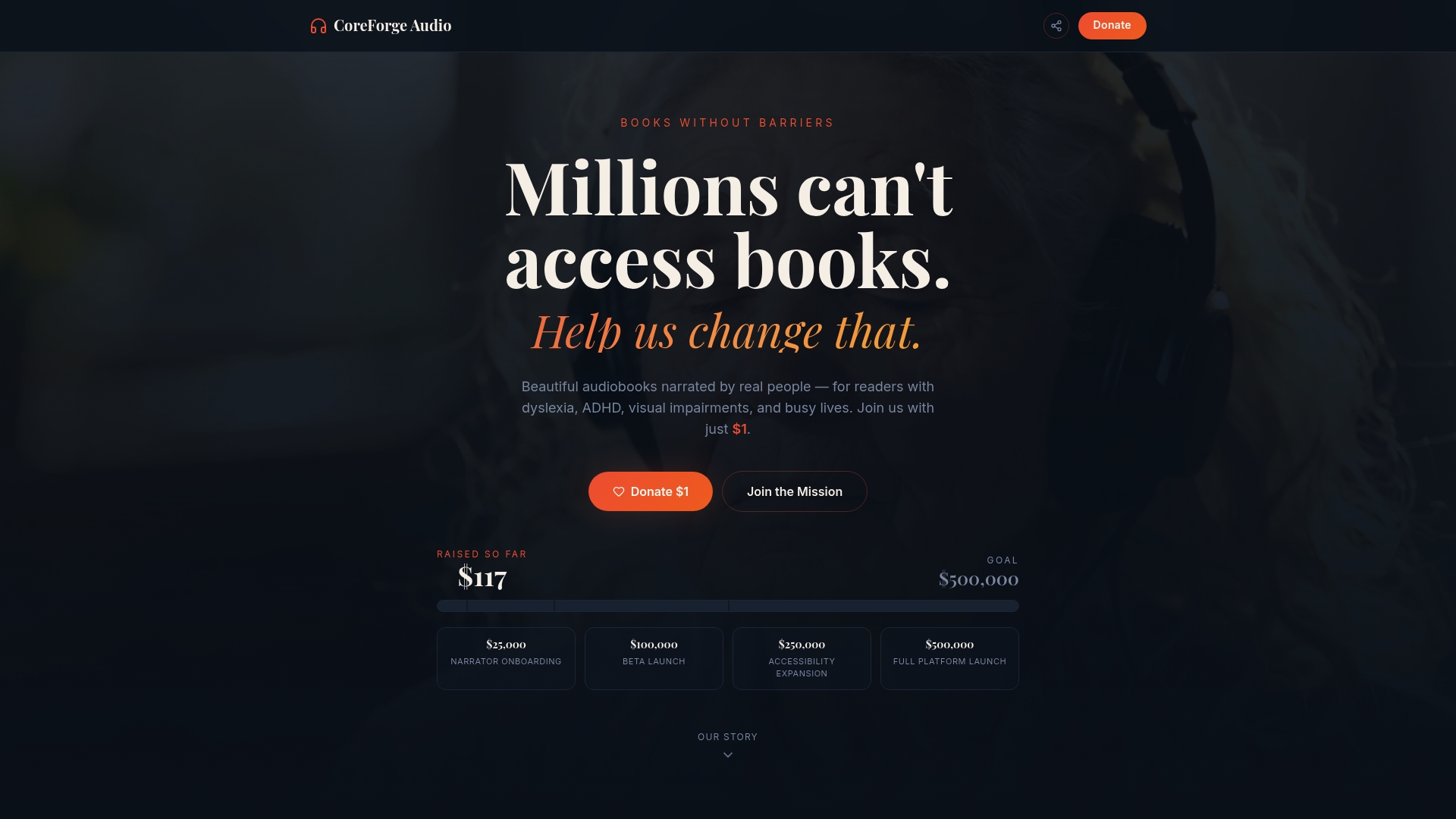
Coreforgeaudio is building a nonprofit-focused audiobook platform that puts human-narrated books at the center of accessible reading. The platform integrates dyslexia-friendly fonts, adjustable narration speeds, and multilingual support so that readers can personalize their experience rather than adapt to a rigid system. Fair compensation for voice actors is built into the model, because quality narration requires real craft. If accessible audio matters to you, explore Coreforgeaudio and support a platform designed from the ground up for readers who need more than a standard ebook.
FAQ
What are the main examples of accessible reading formats?
The five main types are audio (including DAISY and MP3), braille, large print, Easy Read, and digital formats like HTML and EPUB. Each format targets a different reading barrier, from visual impairment to cognitive difficulty.
What is the standard font size for large print?
Standard large print uses 16–18 point font, while giant print exceeds 18 point. Both formats also use high contrast and generous line spacing to reduce eye strain.
Why is HTML more accessible than PDF?
Screen readers interpret HTML's semantic structure directly without manual tagging, making navigation reliable and consistent. Most PDFs require additional accessibility tagging that is often missing in documents already in circulation.
How do I access free talking books and braille materials?
The National Library Service (NLS) and its BARD platform provide free talking books and braille downloads to readers with certified print disabilities. State library accessibility programs extend these services and often lend talking book players and electronic braille displays at no cost.
Can I use more than one accessible format at the same time?
Using multiple formats simultaneously is the approach most specialists recommend. Switching between audio and large print, for example, helps manage visual fatigue and maintains reading stamina across longer sessions.