

Multilingual audiobooks for blind readers are audio narrations of books in multiple languages, built with accessibility features that let individuals with visual impairments read independently and comfortably. The industry standard for this format is the DAISY (Digital Accessible Information System) specification, which goes far beyond a simple audio file by supporting navigation by chapter, paragraph, or page. Organizations like the National Library Service (NLS) and the Royal National Institute of Blind People (RNIB) have championed accessible audio content for decades. Today, AI-powered tools now cover over 600 languages, including underserved languages like Amharic and Yoruba that commercial platforms rarely touch. That combination of established standards and new technology makes 2026 a genuinely strong year to find the right listening setup.
What platforms provide multilingual audiobooks for blind readers?
The audiobook accessibility space divides into three clear tiers: mainstream commercial platforms, specialist library services, and AI-powered generation tools. Each tier serves a different need, and understanding the difference saves a lot of frustration.
Mainstream commercial platforms
Mainstream platforms carry large catalogs. Audible and Apple Books support system-level screen readers, specifically VoiceOver on iOS and TalkBack on Android, so blind readers can browse and play titles without sighted assistance. These platforms hold roughly 100,000 titles each. The trade-off is real: neither offers DAISY-format navigation, so jumping to a specific chapter or paragraph requires manual scrubbing rather than structured menu navigation. Language coverage on mainstream platforms typically spans 10–30 major languages, which leaves speakers of less common languages with limited options.
Specialist library services
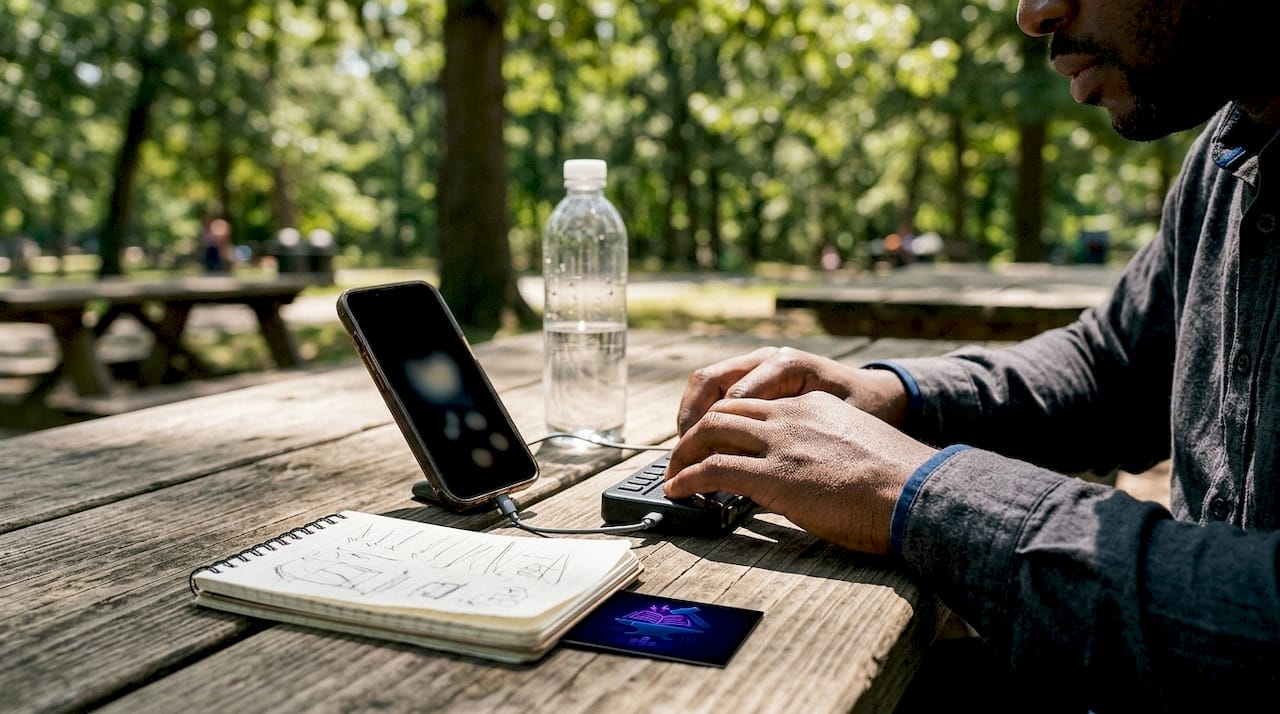
Specialist services fill the gap that commercial platforms leave. The RNIB Reading Services, for example, provides unlimited holds with immediate 24/7 downloads for certified blind and print-disabled readers. There are no return deadlines, and the catalog is curated specifically for accessibility. The NLS Talking Books program in the United States operates on a similar model, mailing physical cartridges or offering digital downloads through the BARD (Braille and Audio Reading Download) app. These services prioritize navigation quality over catalog size, which matters enormously when you rely on audio as your primary reading channel.
AI-powered generation tools
AI text-to-speech (TTS) tools represent the newest tier. Book-to-audiobook APIs can convert EPUB, PDF, or TXT files into narrated audio in 600+ languages, including voice cloning and translation features. That coverage is transformative for readers whose first language is Yoruba, Tigrinya, or another language that commercial platforms ignore. The catch is that these tools require more technical comfort than pressing play on an app.
| Service type | Language coverage | DAISY navigation | Cost model |
|---|---|---|---|
| Mainstream commercial | 10–30 major languages | No | Subscription or per-title |
| Specialist library (NLS, RNIB) | Varies by library | Yes | Free with eligibility |
| AI TTS generation tools | 600+ languages | Depends on output format | Free to low cost |
Which accessible audiobook formats best support blind readers?
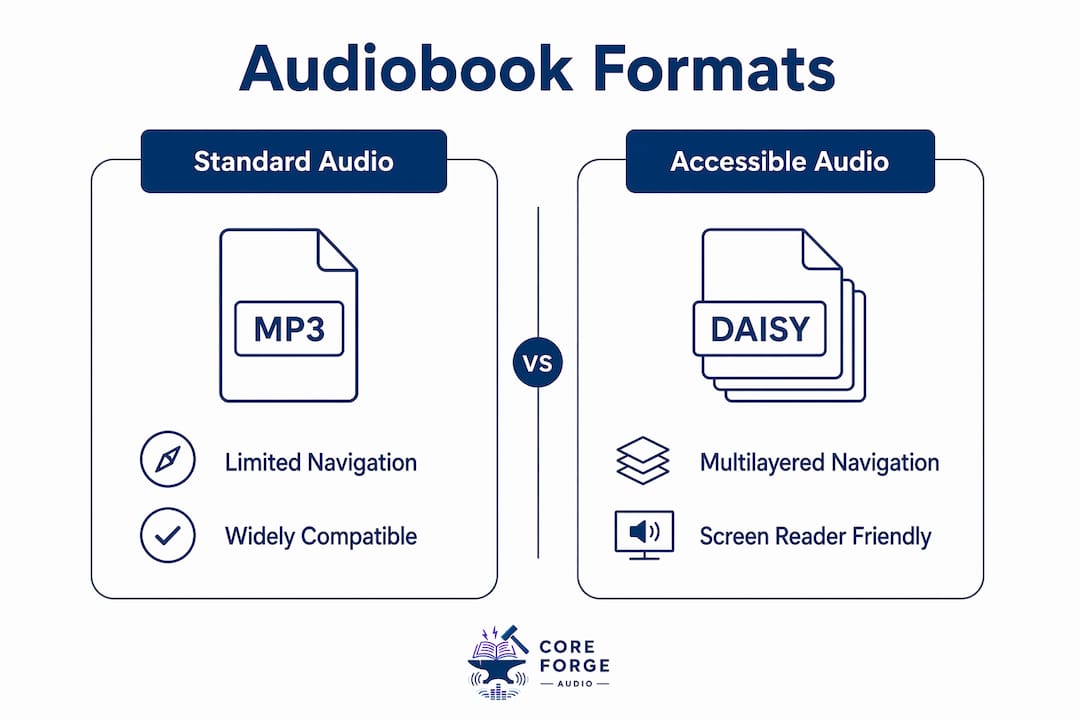
Format choice determines how much control you have over your reading experience. A standard MP3 file is a single audio stream. You can pause and skip forward, but you cannot jump to chapter 7 or search for a specific section. DAISY format solves that problem directly.
Why DAISY format matters
DAISY supports multilayer navigation, letting blind readers jump by page, paragraph, or section within a single file. That level of control mirrors what a sighted reader does when flipping pages or skimming headings. Specialized players like Dolphin EasyReader are built around DAISY and add features like adjustable reading speed, bookmarking, and high-contrast display options for readers with low vision. Standard MP3 players offer none of that structure. For any reader who uses audio as a primary literacy tool, DAISY is not a luxury. It is the baseline.
Screen readers and app-level accessibility
System-level screen readers like VoiceOver and TalkBack work at the operating system level, meaning they can read any app's interface aloud. That makes them useful for navigating mainstream platforms, but they do not add DAISY navigation to a non-DAISY file. Screen reader overlays become necessary when platforms use poorly labeled buttons or unlabeled chapter markers, which is a common complaint with commercial audiobook apps. Dolphin EasyReader, by contrast, is designed from the ground up for blind and low-vision readers, so its interface works with screen readers without workarounds.
Pro Tip: If you use an iPhone, pair VoiceOver with a Bluetooth keyboard. The keyboard shortcuts give you faster control over playback and navigation than touch gestures alone, especially in apps that are not fully optimized for screen readers.
How to choose the right platform for your language and device
Choosing the right service comes down to four factors: your device ecosystem, your target language, the volume of content you need, and your comfort with technology.
-
Identify your device ecosystem first. iOS users benefit from VoiceOver's deep integration with Apple Books and other apps. Android users rely on TalkBack, which works well with most major audiobook apps. Dedicated hardware players from organizations like the NLS are worth considering if you prefer a single-purpose device with physical buttons.
-
Match the platform to your language need. If you read primarily in English, Spanish, French, or another major language, mainstream platforms and specialist libraries cover you well. If your language is less common, AI TTS tools are the most practical path to narrated content.
-
Balance catalog size against navigation quality. A hybrid reading strategy works best for most blind readers. Use a mainstream platform for its broad catalog when you want variety, and use a specialist library like the NLS or RNIB for titles where structured navigation matters most.
-
Check eligibility requirements before signing up. Specialist services often require official certification of blindness or print disability. Getting that documentation in order before you try to register saves time and avoids disappointment.
-
Assess your technical comfort honestly. AI TTS generation tools offer the widest language coverage, but they require uploading files, adjusting settings, and sometimes troubleshooting output quality. If that feels like too much, start with a specialist library and add AI tools later as your confidence grows.
Pro Tip: Ask your eye care provider or low-vision specialist to write a brief eligibility letter when you first receive a diagnosis. Many specialist library services accept this letter directly, and having it ready speeds up registration significantly.
Practical steps to find and use accessible multilingual audiobooks
Getting started is straightforward once you know which tier of service fits your situation.
For specialist library services:
- Contact the NLS (in the United States) or RNIB (in the United Kingdom) directly and request a registration form.
- Submit your eligibility documentation, which typically means a signed statement from a qualified professional confirming your visual impairment.
- Download the BARD app (NLS) or the RNIB Bookshare app and log in with your new account.
- Search by language or genre and download titles immediately. There are no waitlists for digital copies.
For mainstream platforms with screen reader support:
- Enable VoiceOver (iOS) or TalkBack (Android) in your device's accessibility settings before opening the app.
- Use the platform's language filter to find titles in your target language.
- Set playback speed to a comfortable rate. Most apps support speeds from 0.5x to 3x.
For AI TTS tools:
- Source the book file in EPUB or PDF format from a legal repository such as Project Gutenberg or your local library's digital lending service.
- Upload the file to a book-to-audiobook API or app.
- Select your target language and preferred voice, then generate the audio file.
The main barrier blind readers face is not the availability of audiobooks. It is the ease of navigation once they find one. Choosing a format and platform that prioritizes structured navigation, rather than just audio playback, changes the entire experience.
Audiobook accessibility features vary widely across apps, and testing two or three options before committing to one is time well spent. Many specialist services offer free trials or demo titles specifically for this purpose.
For readers exploring multilingual options for diverse needs, the combination of a specialist library for navigation and an AI tool for language coverage covers nearly every situation.
Key takeaways
Hybrid use of specialist libraries and mainstream platforms is the most effective approach to accessing multilingual accessible audiobooks in 2026.
| Point | Details |
|---|---|
| DAISY is the gold standard | Choose DAISY-compatible apps like Dolphin EasyReader for structured navigation by chapter and paragraph. |
| Hybrid strategy works best | Combine mainstream platforms for catalog volume with specialist libraries for navigation quality. |
| AI tools cover 600+ languages | Use book-to-audiobook APIs for languages that commercial platforms do not support. |
| Eligibility documentation matters | Prepare blindness or print disability certification before registering with specialist services like NLS or RNIB. |
| Screen readers need the right app | VoiceOver and TalkBack work best when paired with apps designed for accessibility, not just apps that tolerate screen readers. |
What I've learned about finding the right audiobook setup
The conversation about accessible audiobooks tends to focus on what is available. The harder question is what actually works for a specific reader with a specific language need on a specific device. Those three variables rarely align perfectly with any single platform.
What I have seen consistently is that blind readers who use only one service end up frustrated. The reader who relies solely on a mainstream commercial platform hits a wall the moment they want a title in a less common language or need to navigate a dense nonfiction book by section. The reader who uses only a specialist library sometimes finds the catalog too narrow for their reading interests. The hybrid approach is not a compromise. It is the correct architecture for this problem.
AI TTS tools deserve more attention than they currently get in accessibility circles. The ability to convert a legally obtained EPUB into narrated audio in Amharic or Yoruba is genuinely significant for communities that have been ignored by commercial publishers. The technical barrier is real, but it is shrinking as these tools become more approachable. Coreforgeaudio's commitment to multilingual support and human narration points in exactly the right direction: the goal should be quality and coverage together, not one at the expense of the other.
The practical advice I give most often is this: start with the service that removes the most friction for your specific situation, then add a second service once you are comfortable. Building a reading habit matters more than finding the perfect platform on day one.
— Sarmed
Coreforgeaudio and accessible multilingual audio content
Coreforgeaudio is built around the belief that every reader deserves access to great stories, regardless of language, disability, or background. The platform combines human-narrated audiobooks with built-in accessibility features including adjustable narration speeds and multilingual support, all designed with blind and low-vision readers in mind.
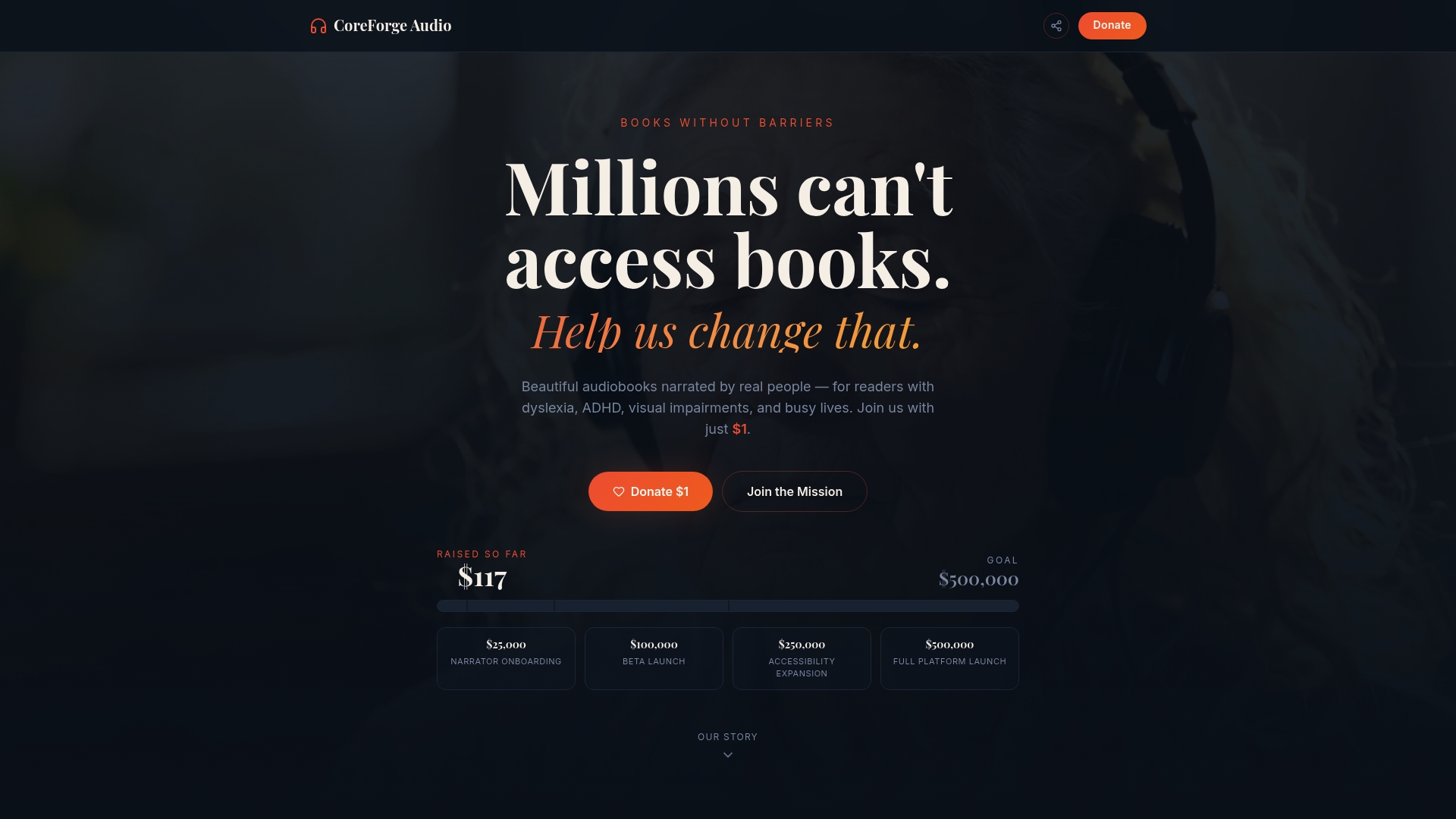
Coreforgeaudio is actively fundraising to expand its catalog and accessibility tools, with full transparency about where every dollar goes. If you want to see a platform that puts blind readers first and pays voice actors fairly, visit Coreforgeaudio to learn more and support the mission. The library you need is being built right now.
FAQ
What is the DAISY format for blind readers?
DAISY (Digital Accessible Information System) is the accessibility standard for audiobooks, allowing navigation by chapter, paragraph, or page rather than simple audio playback. Apps like Dolphin EasyReader are built specifically to use DAISY's structured navigation features.
Are multilingual audiobooks free for blind readers?
Specialist services like the NLS and RNIB provide free access to large digital audiobook collections for certified blind and print-disabled readers, with no return deadlines and immediate downloads available 24/7.
How do I access audiobooks in rare or underserved languages?
AI-powered TTS tools can convert EPUB or PDF files into narrated audio in over 600 languages, including Amharic and Yoruba, making them the most practical option for languages that commercial platforms do not cover.
Do mainstream audiobook apps work with screen readers?
Mainstream platforms support VoiceOver and TalkBack at the system level, but navigation limitations remain because these apps do not use DAISY format. Screen reader overlays and workarounds are often required for full usability.
What documentation do I need to join a specialist audiobook library?
Most specialist services, including the NLS and RNIB, require certification of blindness or print disability from a qualified professional such as an ophthalmologist or licensed low-vision specialist.