
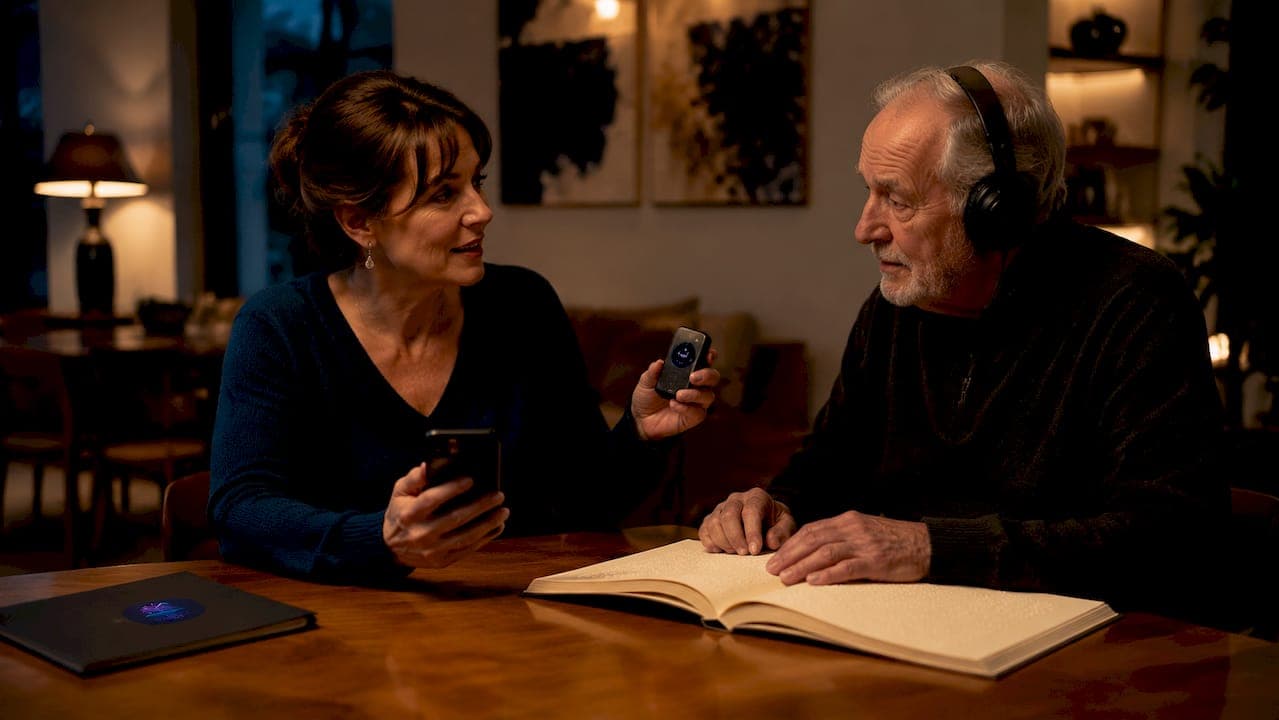
Sharing audiobooks with visually impaired family members is fully achievable through accessible digital libraries, free government services, and family sharing features on mainstream platforms. The two primary methods families use are Amazon Household and the National Library Service (NLS), each serving different needs and budgets. Accessibility standards like "born accessible" audiobooks, which are built from the ground up for screen readers, make the difference between a frustrating experience and a genuinely independent one. This guide walks you through every step, from account setup to app selection, so your loved one can listen freely and confidently.
How to share audiobooks with visually impaired family members: what you need first
Before sharing a single title, you need the right devices, accounts, and in some cases, eligibility documentation. Getting this foundation right saves hours of troubleshooting later.
Compatible devices
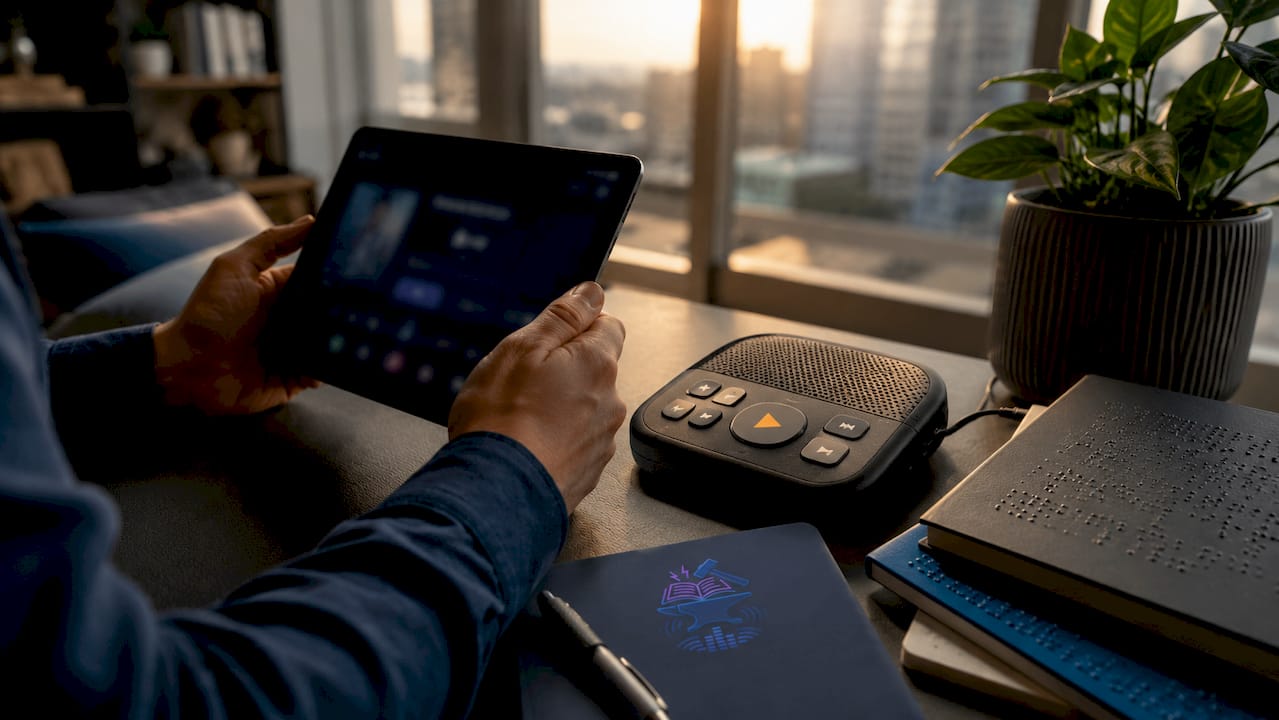
Smartphones running iOS or Android work with most audiobook apps and support built-in screen readers like VoiceOver and TalkBack. Dedicated players, such as the Victor Reader Stream or NLS-issued digital talking book machines, are purpose-built for visually impaired listeners and require no screen interaction at all. Tablets are a middle-ground option, offering larger touch targets and strong screen reader support. Match the device to your family member's comfort level, not your own.
Account and service setup
You need an Amazon account for retail sharing, and both adults must agree to link their accounts through Amazon Household. For free government services, you register directly with the NLS or your regional network library. Bookshare requires proof of a qualifying print disability, which a teacher, doctor, or other certified professional can provide. Setting up these accounts takes 15–30 minutes per service, and most of the process is online.
| Device type | Platform compatibility | Account setup notes |
|---|---|---|
| Smartphone (iOS/Android) | Amazon, Bookshare, Libby, Dolphin EasyReader | Requires app download and account login |
| Dedicated talking book player | NLS, BARD Mobile | Issued free by NLS; no app store needed |
| Tablet | Amazon, Bookshare, Libby | Larger touch targets aid navigation |
| Desktop/laptop | All platforms via browser or app | Best for initial account setup and management |
Key steps before you start:
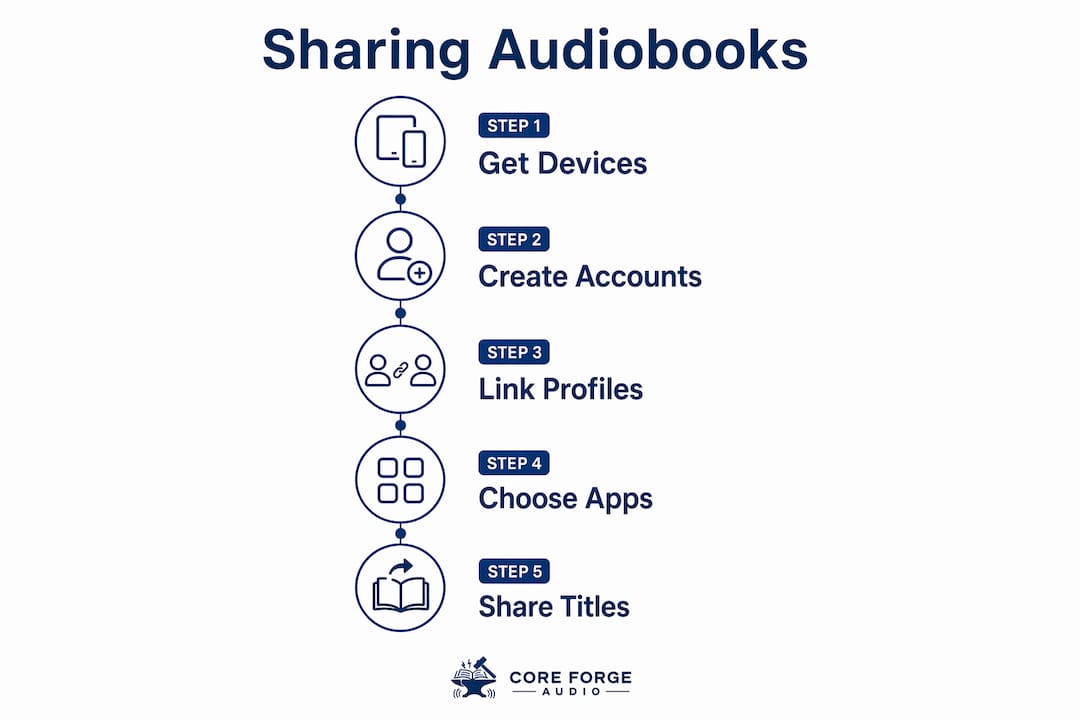
- Create or log into your Amazon account and navigate to "Manage Your Household."
- Register with NLS at loc.gov/nls or contact your regional library.
- Apply for Bookshare with a qualifying disability certification.
- Download your chosen app on the device your family member will use.
- Test screen reader compatibility before committing to a platform.
How do you share audiobooks through Amazon Household?
Amazon Household is the standard method for sharing purchased audiobooks on mainstream retail platforms. It links two adult accounts so both can access the same library without sharing passwords.
- Open Amazon's website and go to "Account & Lists," then select "Manage Your Household."
- Invite the second adult by entering their email address. They receive an invitation and must accept it independently.
- Agree to share payment methods. Both adults must consent to this step before the household activates.
- Access shared titles by opening the audiobook app on your family member's device and browsing the shared library tab.
- Set up a separate listening profile for your visually impaired family member so their preferences, bookmarks, and recommendations stay distinct from yours.
- Adjust accessibility settings on their device, including screen reader activation, playback speed, and sleep timer, before handing it over.
Independent profiles within a shared account maintain privacy and prevent recommendation conflicts, a practice accessibility experts call avoiding "data pollution." Your family member's listening history stays theirs alone, which matters for dignity and autonomy.
Pro Tip: Never share your login credentials directly. Sharing passwords can trigger security locks on your account and violates platform terms of service. Amazon Household exists precisely to avoid this problem.
Amazon Household sharing is limited to two adult accounts, so plan accordingly if your household includes multiple adults who want access.
What free services exist for audiobooks for the blind?
Free specialized services deliver accessible audiobooks for the blind at no cost, with features that mainstream retail platforms simply do not offer. The two most important are NLS and Bookshare.
National Library Service (NLS)
The NLS, administered by the Library of Congress, provides free audiobooks and equipment to eligible individuals with visual impairments or physical disabilities that prevent them from reading standard print. Eligible users receive a free digital talking book machine and access to thousands of titles through the BARD (Braille and Audio Reading Download) app. NLS eligibility requires certification by a medical professional, ophthalmologist, or qualified educator, confirming the applicant's qualifying condition. The application process runs through your regional network library, and most families complete it within a few weeks.
Bookshare
Bookshare offers over 2 million accessible titles in formats including text-to-speech, digital Braille, and large print. That catalog size means almost any title your family member wants is available. Bookshare specializes in "born accessible" content, meaning files built with accessibility metadata from the start rather than converted after the fact. Born accessible audiobooks work more reliably with screen readers and produce fewer navigation errors than converted files.
How family members can help with setup and selection:
- Assist with the online eligibility application and upload required documentation.
- Browse the catalog together to build an initial reading list based on shared interests.
- Set up the preferred reading format (audio, Braille, or large print) in account settings.
- Schedule a weekly "book club" call to discuss titles and choose the next one together.
| Service | Cost | Format options | Eligibility required |
|---|---|---|---|
| NLS / BARD | Free | Audio, Braille | Yes, medical or educational certification |
| Bookshare | Free (US students); low-cost for others | Audio, Braille, large print | Yes, qualifying print disability |
| Public library (Libby) | Free with library card | Audio | No |
Which apps make accessible audiobooks easiest to use?
App choice determines whether your family member listens independently or needs constant help. Specialized apps like Dolphin EasyReader, Libby, and MEB AUDIO are built for print-disabled users and offer screen reader support that general-purpose apps often lack.
True app accessibility means labeled buttons, simple gesture navigation, and compatibility with VoiceOver or TalkBack. An app that looks clean on screen but has unlabeled icons is effectively unusable for a non-sighted listener. Test any app by activating your device's screen reader and navigating without looking at the screen. If you get stuck, your family member will too.
Key features to look for in accessible audiobook apps:
- Screen reader compatibility: Every button and menu item must have a text label readable by VoiceOver or TalkBack.
- Simplified navigation: Fewer taps to reach a book means less frustration. Look for apps with a "resume last book" button on the home screen.
- Adjustable playback speed: Many experienced listeners prefer 1.5x or 2x speed. The control must be reachable without visual cues.
- Offline download: Reliable offline access removes dependence on Wi-Fi, which matters for listeners who travel or live in areas with spotty coverage.
- Bookmarking and chapter navigation: Your family member should be able to jump to a chapter or set a bookmark without sighted assistance.
For a deeper look at app accessibility features across platforms, the Coreforgeaudio blog covers the specific controls and settings that matter most for visually impaired listeners.
Pro Tip: Before settling on an app, spend 10 minutes using it with your eyes closed. This single test reveals more about real-world usability than any feature list.
Common mistakes to avoid when sharing audiobooks with visually impaired family
Most problems families run into fall into three categories: account errors, device mismatches, and format issues. Knowing these in advance prevents the most common frustrations.
- Sharing login credentials directly. This is the single most common mistake. It triggers security alerts, can lock both accounts, and violates terms of service. Use Amazon Household or the platform's official family sharing feature instead.
- Ignoring the two-adult account limit. Amazon Household links a maximum of two adult accounts. If your household has more adults who want access, you need separate solutions for each pair.
- Choosing a device without testing screen reader support first. Not every device runs screen readers equally well. Test before purchasing.
- Downloading converted files instead of born accessible ones. Converted audiobooks often have navigation errors. Prioritize platforms like Bookshare that publish born accessible content.
- Skipping regional availability checks. Some titles are restricted by region or licensing. Confirm availability in your country before recommending a title to your family member.
"The challenge lies not in finding audiobooks, but in ensuring they are truly accessible through born accessible files and compatible apps. Families who prioritize format quality and app compatibility report far better listening experiences than those who focus only on catalog size."
When playback or download issues arise, start with the simplest fix: close and reopen the app, check the internet connection, and confirm the title is downloaded rather than streamed. If problems persist, the platform's accessibility support line is the fastest path to resolution. NLS and Bookshare both offer dedicated support for users with disabilities.
Key Takeaways
Sharing accessible audiobooks with visually impaired family members works best when you combine the right service, a compatible device, and an app built for screen reader navigation.
| Point | Details |
|---|---|
| Use official sharing features | Amazon Household links two adult accounts safely; never share login credentials directly. |
| Access free specialized services | NLS and Bookshare provide free accessible audiobooks for qualifying visually impaired users. |
| Prioritize born accessible content | Files built for screen readers from the start work better than converted audiobooks. |
| Test apps with screen readers | Activate VoiceOver or TalkBack and navigate blind before committing to any app. |
| Keep separate profiles | Independent listening profiles protect privacy and prevent recommendation conflicts. |
Why this matters more than most families realize
I've spent years watching families struggle with audiobook sharing, and the pattern is almost always the same. They focus on finding the right title and completely overlook whether the platform can actually deliver it in a usable format. A 2-million-title catalog means nothing if the app's buttons are unlabeled and the screen reader reads "button, button, button" on every page.
The families who get this right share one habit: they test everything from their family member's perspective, not their own. They sit down with the device, turn on the screen reader, and try to find a book without looking at the screen. That 10-minute exercise changes everything. It shifts the focus from "does this look accessible" to "is this actually accessible."
Specialized services like NLS and Bookshare exist because mainstream platforms were not built with visually impaired listeners as the primary audience. That gap is real, and it shows up in the details: missing navigation metadata, unlabeled controls, and inconsistent screen reader behavior. Accessible audio content is not a feature add-on. It is the foundation.
The other thing families consistently underestimate is the social dimension. Sharing a book is not just a logistics problem. It is an invitation to a shared experience. When your family member can listen independently and then call you to talk about the chapter, that is connection. Getting the setup right is worth every minute it takes.
— Sarmed
Coreforgeaudio and accessible audiobooks for your family
Coreforgeaudio is a nonprofit-focused platform built specifically for listeners who face reading barriers, including visual impairments, dyslexia, and ADHD. Every title on the platform is produced with human narrators, adjustable playback speeds, and accessibility features designed for screen reader users from day one. The platform's commitment to born accessible content means your visually impaired family member gets a listening experience that works, not one that was adapted as an afterthought. Coreforgeaudio is actively building its library and community. Visit Coreforgeaudio to learn more about the platform's mission and how it supports families who want to share stories without barriers.
FAQ
What is the easiest way to share audiobooks with a visually impaired family member?
The easiest method is Amazon Household, which links two adult accounts so both can access the same purchased library on separate devices without sharing passwords.
Does NLS cost anything to use?
NLS is completely free for eligible users. Qualifying individuals receive a free digital talking book player and access to thousands of audiobooks through the BARD app.
What makes a "born accessible" audiobook different?
Born accessible audiobooks are built with screen reader metadata from the start, not converted after publication. They produce fewer navigation errors and work more reliably with VoiceOver and TalkBack.
Which app is best for visually impaired audiobook listeners?
Dolphin EasyReader, Libby, and MEB AUDIO are the most recommended apps for visually impaired listeners because they offer labeled controls, simplified navigation, and strong screen reader compatibility.
Can I share my Bookshare account with a family member?
Bookshare accounts are tied to the individual with the qualifying disability. Family members can assist with setup and book selection, but the account itself belongs to the eligible user.