

Audio description is defined as a scripted narration track that conveys visual information to listeners who cannot see it, and its presence in audiobook services determines whether a title is truly accessible or just partially usable. For individuals with visual impairments or learning differences, the difference between a standard audiobook and one with genuine audio description features is the difference between partial access and full engagement. This guide covers what audio description features audiobook services actually provide, how to identify platforms that deliver authentic descriptive narration, and how to get the most from accessible listening in 2026. You will also find a comparison of provider types, practical usage tips, and a breakdown of complementary accessibility tools.
What are audio description features in audiobook services?
Audio description functions as an additional narration layer timed between dialogue and action to fill in visual gaps that text-only or standard narration cannot convey. It describes scenes, character expressions, on-screen text, and physical actions. For audiobooks that include illustrated content, graphic novels, or companion visual materials, this distinction matters enormously.
Standard audiobook narration reads the written text aloud. It does not describe what a character looks like mid-scene, what a map shows, or how a diagram is laid out. Mainstream providers generally lack specialized visual-scene description tracks, which means a listener with a visual impairment receives the words but misses the full context. For fiction, this is frustrating. For educational or illustrated content, it is a genuine barrier.
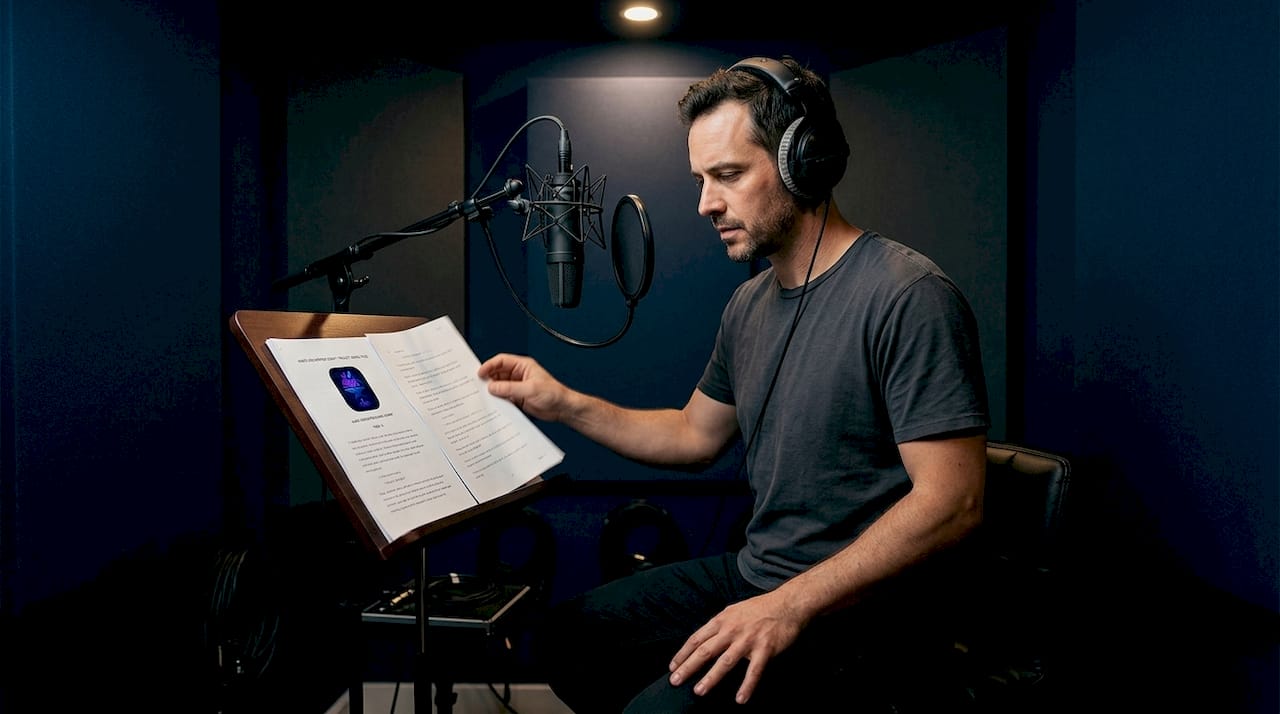
Audio description tracks are typically recorded by voice actors separate from the main narrator, using distinct voices and professional pacing to avoid confusion between story narration and descriptive information. This separation is not cosmetic. It preserves the listener's ability to follow the story while absorbing contextual visual detail without the two streams blending together.
Providers often use multiple terms for these assets, including "descriptive narration," "extended description," and "audio description." Distinguishing these terms is key for audiobook users who need real visual-scene descriptions rather than a slightly more expressive reading style.
Pro Tip: When evaluating an audiobook, search the product metadata for the phrase "audio description track" or "AD" rather than just "accessible." Many titles labeled accessible include only screen-reader-compatible interfaces, not actual descriptive narration of visual content.
- Audio description narrates visual content not present in the written text
- Standard narration reads dialogue and prose only
- Separate voice actors record description tracks to maintain clarity
- Terminology varies by provider, so check for "AD track" specifically
How to identify audiobook services with real audio description
Not every service that calls itself accessible actually delivers audio description features. Identifying providers that offer authentic descriptive narration requires checking several specific criteria rather than relying on general accessibility badges.
Specialist audiobook providers for blind and print-disabled users offer smaller catalogs but personalized support and multiple accessible formats. Mainstream providers offer larger catalogs with no eligibility requirements, but their accessibility features typically stop at screen-reader compatibility and variable playback speed. Neither model is universally better. The right choice depends on whether you need breadth of catalog or depth of accessibility features.
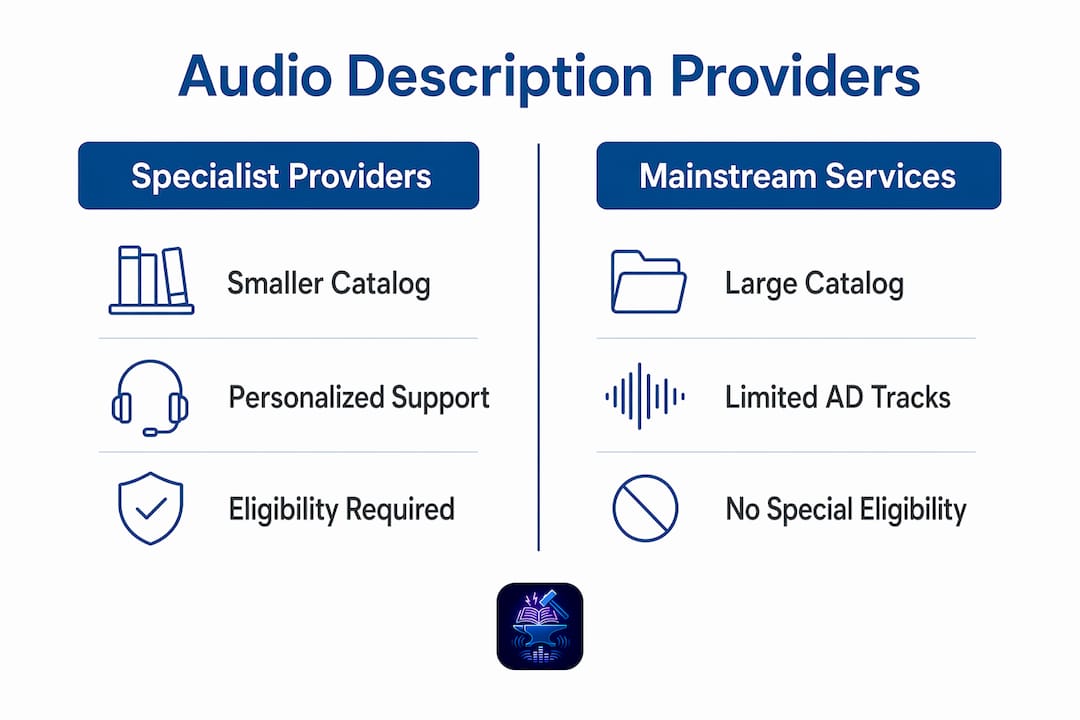
| Provider type | Catalog size | Audio description tracks | Eligibility required | Personalized support |
|---|---|---|---|---|
| Mainstream (general) | Very large | Rare or absent | No | Minimal |
| Specialist (print-disabled) | Smaller | More common | Often yes | High |
| Nonprofit/mission-driven | Growing | Varies by title | No | Moderate to high |
| Hybrid platforms | Medium | Selective | No | Moderate |
Coverage is inconsistent across providers, and multiple deliverables may exist for a single title. A service may carry an audio description version of one title but not another by the same author. Always check at the individual title level, not just the platform level.
When assessing any service, verify these features directly:
- Does the platform's catalog metadata flag audio description availability per title?
- Are playback controls compatible with screen readers such as VoiceOver or TalkBack?
- Does the service offer variable speed with pitch correction, not just raw speed adjustment?
- Is there a dedicated support channel for users with visual impairments or print disabilities?
- Does the service support DAISY format or other structured audio formats?
Pro Tip: Contact the provider's accessibility support team before subscribing. Ask specifically whether audio description tracks are embedded in the audio file or available as a separate toggle. A provider that cannot answer this question clearly has not prioritized the feature.
Coreforgeaudio's accessibility-first design approach offers a useful reference point for what a platform built around these needs actually looks like, compared to services that treat accessibility as an afterthought.
How to use audiobook services with audio description effectively
Finding a service with audio description features is only the first step. Using those features well requires knowing how to search, navigate, and troubleshoot within accessible platforms.
- Search by accessibility metadata. Use catalog filters that specifically flag audio description availability. If no filter exists, search the title name plus "audio description" or "AD" in the platform's search bar. Some platforms tag titles with accessibility icons in the product listing.
- Enable screen-reader mode before browsing. AudioShelf offers screen-reader support, pitch-corrected variable speed, and keyboard-driven operation, which means you can navigate the catalog and control playback without relying on visual interface elements.
- Set playback speed carefully. Audio description tracks are timed to fit natural pauses. Increasing speed beyond 1.5x can cause the description to overlap with dialogue. Start at 1.0x or 1.25x when listening to a described title for the first time.
- Use bookmarking to mark described passages. If a section contains dense visual description, bookmark it for review. Apps with independent bookmark systems let you return to specific moments without scrubbing through the full file.
- Check for extended audio description options. CASTUS provides both Standard and Extended Audio Descriptions, with the extended version pausing content to fit more visual narration where natural pauses are limited. Not all platforms support this format, but it is the gold standard for content with continuous speech.
Common issues and fixes:
- Description track not audible: Check whether the AD track is a separate toggle in the app settings rather than embedded in the main audio stream.
- Description overlapping dialogue: Reduce playback speed or check whether the title uses standard versus extended description format.
- Screen reader not reading controls: Update the app and verify that accessibility permissions are enabled in your device's system settings.
- Title listed as accessible but no description present: Report this to the provider. Mislabeled titles are a known problem across multiple platforms.
For users with dyslexia or ADHD alongside visual impairments, audiobooks paired with accessibility features such as adjustable narration speed and structured navigation significantly improve comprehension and retention.
What other accessibility features complement audio description?
Audio description is the core feature for visual accessibility, but it works best when combined with a broader set of audiobook accessibility features that support navigation, comprehension, and independent use.
WCAG guidelines require accessible time-based media to include descriptions of visual elements, not just captions or transcripts. Descriptive transcripts go further by including visual information needed to understand content, which is particularly important for DeafBlind users and those who use refreshable Braille displays alongside audio.
Proper sequencing of audio description with dialogue and visual events is a WCAG requirement. Improper sequencing creates accessibility failures even when some description exists. This means a platform can technically include audio description and still fail accessibility standards if the timing is off.
High-quality audio description uses natural pacing and timing to avoid overriding speakers or interrupting narrative flow. The narration is designed to be clear but not intrusive, which means the listening experience remains coherent rather than feeling like two competing voices.
| Accessibility feature | Primary benefit | Best for |
|---|---|---|
| Audio description track | Conveys visual content | Visual impairments |
| Descriptive transcript | Full text alternative with visuals | DeafBlind users |
| Variable speed with pitch correction | Comprehension at preferred pace | ADHD, learning differences |
| Keyboard and screen-reader navigation | Independent browsing | Visual impairments |
| Bookmarking and chapter navigation | Review and orientation | All users |
| Extended audio description | Describes dense visual content | Complex illustrated titles |
Device and app capabilities complement audio description content. Successful accessible listening combines choosing described titles and using apps that support navigation, bookmarking, and screen-reader interaction. The content and the platform must both be accessible for the experience to work.
For educators and support workers, audiobooks in special education settings benefit most when the platform supports both audio description and structured navigation, since students with multiple disabilities often need both simultaneously.
Emerging developments worth watching include AI-assisted description generation for backlist titles and podcast accessibility standards. Podcast accessibility practices in 2026 are increasingly informing how audio content providers approach description and transcript requirements, and those standards are beginning to influence audiobook platform design as well.
Key takeaways
Authentic audio description features in audiobook services require a separate narration track, proper timing, and platform support. Without all three, accessibility claims are incomplete.
| Point | Details |
|---|---|
| Audio description is a distinct track | It is not the same as standard narration; it requires a separate, timed voice-over describing visual content. |
| Mainstream providers often fall short | Most large catalog services lack true audio description tracks; specialist and mission-driven platforms are more reliable. |
| Check at the title level | Audio description availability varies by title, not just by platform, so verify each book individually. |
| Platform features matter as much as content | Screen-reader support, pitch-corrected speed, and bookmarking are necessary companions to audio description. |
| WCAG sequencing standards apply | Correct timing of description relative to dialogue is a compliance requirement, not just a quality preference. |
Why audio description in audiobooks is still an unfinished conversation
I have spent enough time with accessible audio platforms to say plainly that the gap between what providers claim and what they actually deliver is wider than most people realize. A service can check every accessibility box on a marketing page and still ship titles where the description track is mislabeled, mistimed, or simply absent. That is not a fringe problem. It is the norm for most mainstream platforms right now.
What I find genuinely useful is treating audio description availability as a per-title question, not a platform question. I have seen users abandon perfectly capable platforms because one title let them down, when the real issue was that the title itself was never properly described. The platform was fine. The content pipeline was not.
The other thing worth saying directly: extended audio description, where the content pauses to fit the narration, is not a luxury feature. For illustrated books, graphic novels, or any title where visual layout carries meaning, standard description that squeezes into natural pauses is not enough. Advocacy for extended description availability in audiobook catalogs is one of the most practical things users and educators can do right now.
Coreforgeaudio's approach to audio description for inclusive storytelling reflects what I think the field needs more of: treating description as a narrative craft decision, not a compliance checkbox. That distinction changes the quality of what gets produced.
— Sarmed
Accessible audiobooks built for every reader at Coreforgeaudio
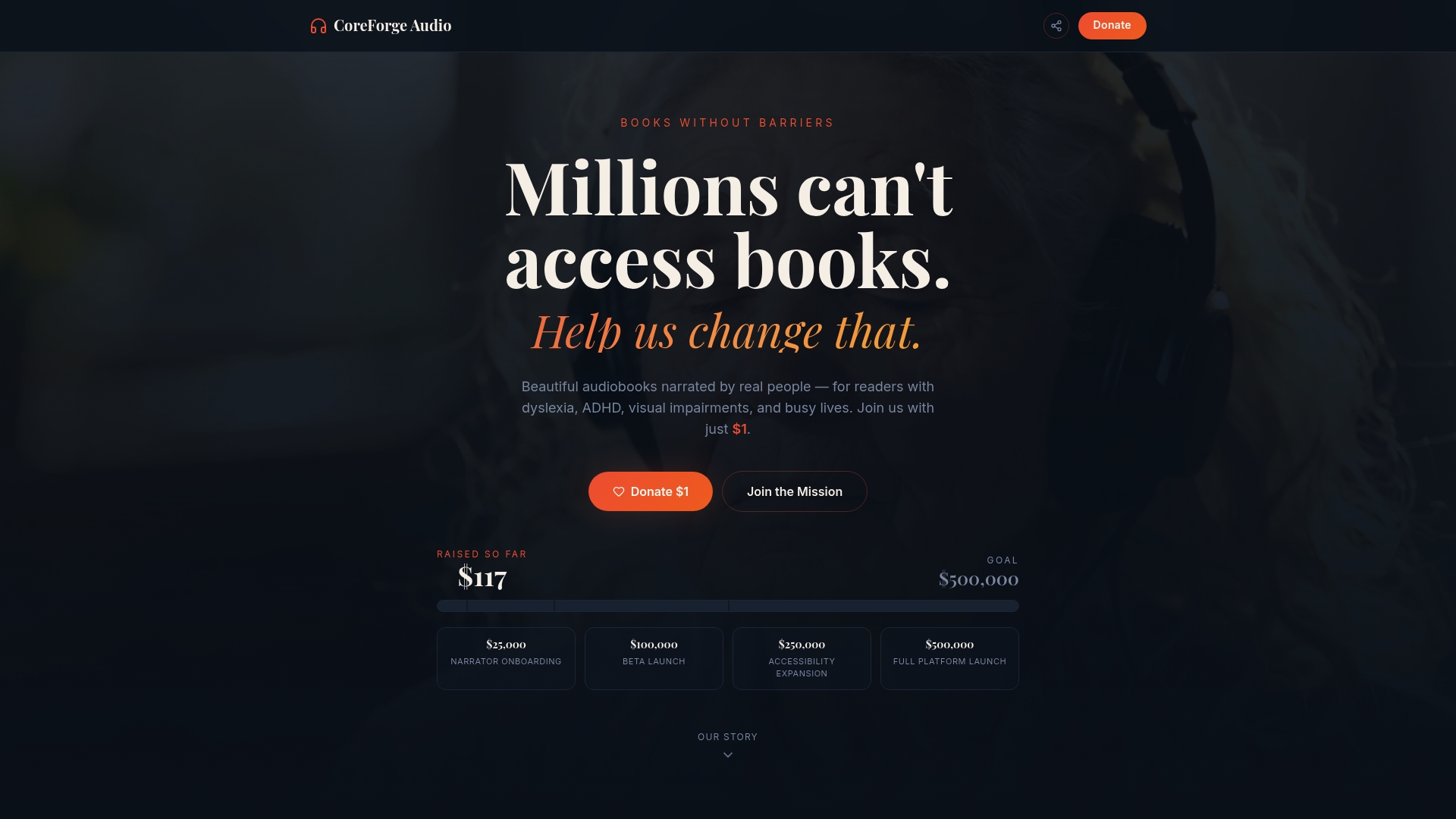
Coreforgeaudio is a nonprofit-focused platform built specifically for readers who face barriers to print, including visual impairments, dyslexia, and ADHD. The platform integrates accessibility features for every reader including human-narrated audiobooks, adjustable narration speeds, dyslexia-friendly fonts, and multilingual support. Coreforgeaudio is actively developing audio description capabilities as part of its core mission to make storytelling genuinely inclusive, not just technically compliant. If you are looking for an audiobook service that treats accessibility as a foundation rather than an add-on, Coreforgeaudio is worth following as it moves toward full launch.
FAQ
What is audio description in an audiobook?
Audio description is a separate narration track that describes visual content, such as scenes, expressions, and actions, during natural pauses in the main audio. It is distinct from standard narration, which only reads the written text.
How do I know if an audiobook has a real audio description track?
Search the title's metadata for "audio description" or "AD" specifically, and contact the provider's accessibility support team to confirm whether the track is embedded or available as a toggle. A general "accessible" label does not guarantee a description track exists.
What is the difference between standard and extended audio description?
Standard audio description fits narration into natural pauses in dialogue. Extended audio description pauses the content itself to allow more detailed visual narration, which is required for titles with continuous speech or dense visual information.
Which audiobook apps support audio description and screen readers?
AudioShelf supports screen-reader operation, pitch-corrected variable speed, and keyboard navigation, making it one of the more capable options for users with visual impairments. Always verify screen-reader compatibility with your specific device and operating system before committing to a platform.
Are there accessibility standards that govern audio description in audiobooks?
WCAG guidelines require that accessible time-based media include descriptions of visual elements, and they specify correct sequencing of description relative to dialogue. Improper timing constitutes an accessibility failure even when a description track is present.